File too large to upload? Find the part that needs changing
Check the actual upload limit, understand KB and MB differences, and choose a sensible fix for an oversized photo, PDF or group of attachments.
Read guideWork out what went wrong, check the requirements and make the right change. These guides use published source material where a platform has specific rules. They are not affiliated with the websites discussed.
Inspect my fileCheck the actual upload limit, understand KB and MB differences, and choose a sensible fix for an oversized photo, PDF or group of attachments.
Read guide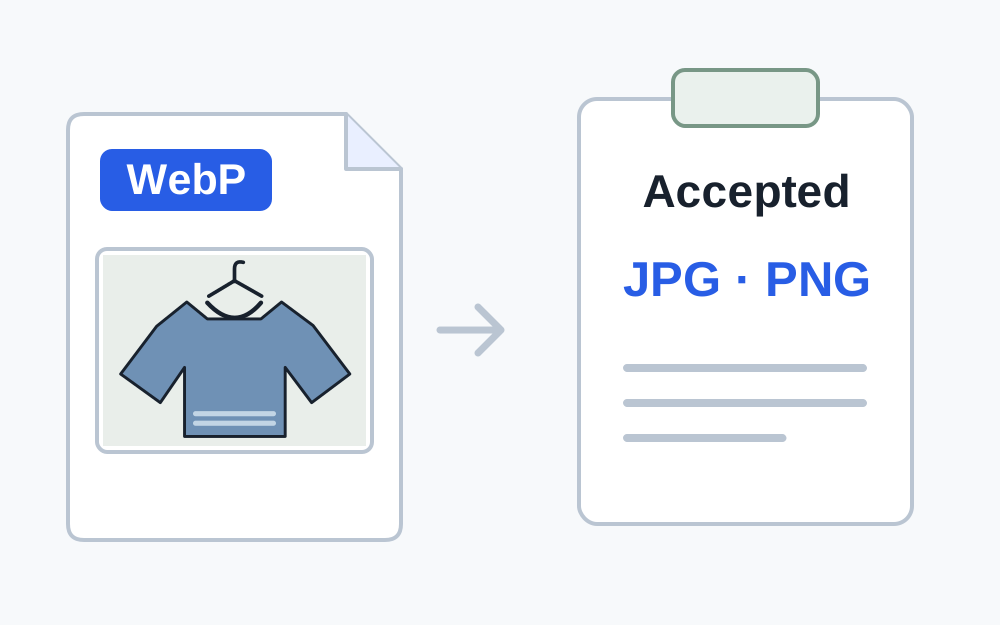
Fix an unsupported file type error by checking the real format and destination rules. Choose a suitable export without disguising or damaging the file.
Read guide
Work out why a file's extension does not match its contents. Learn when renaming is appropriate and when you need a genuine format conversion.
Read guide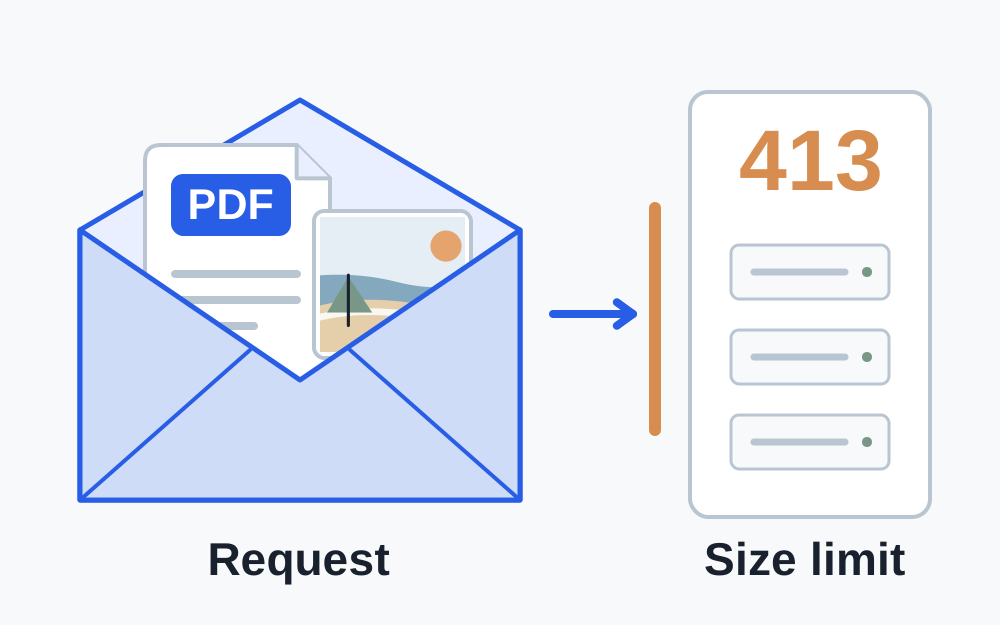
Find out what a 413 upload error means, why a file below the advertised limit can fail, and when compression will help or the site needs fixing.
Read guide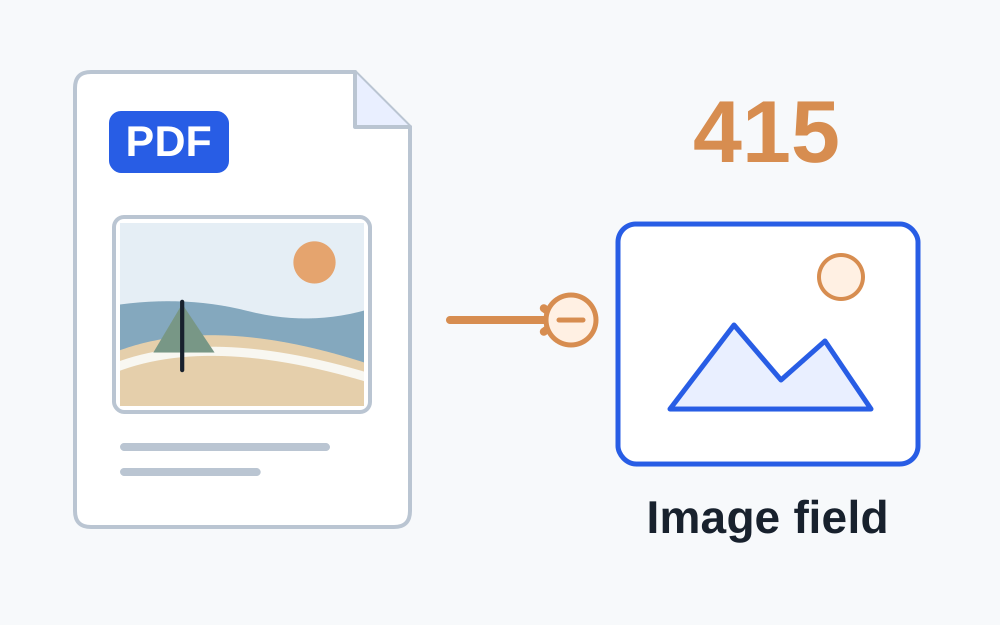
Understand a 415 unsupported media type error. Check genuine file format, accepted types and when the upload form itself needs attention.
Read guide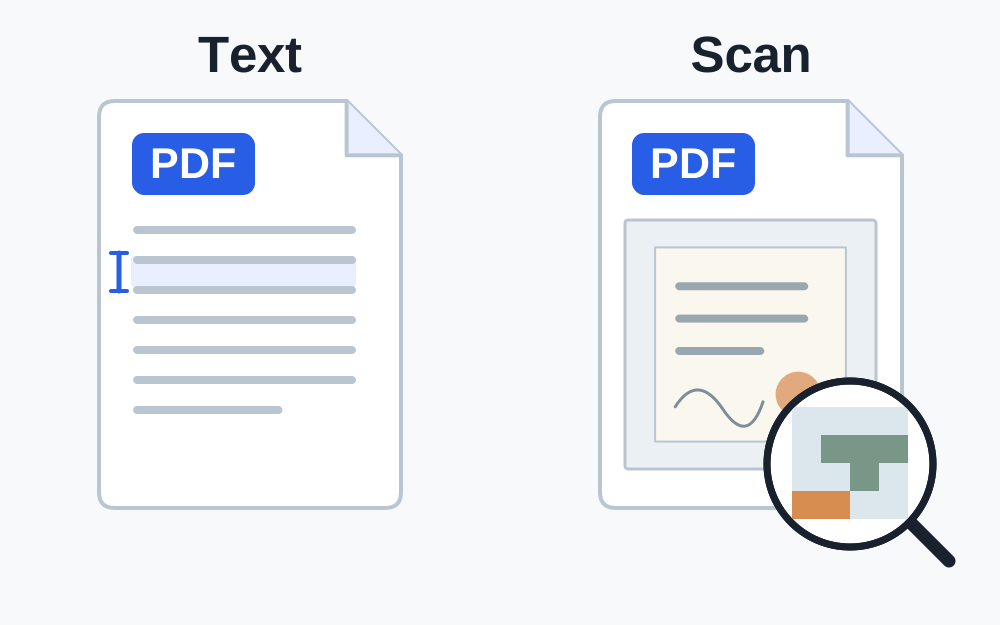
Find out why a PDF is large, what lossless repacking can change, and how to handle scanned pages or an unreachable upload target without losing evidence.
Read guide
Understand why a PDF can be rejected as protected even when it opens. Find the authorised route to an acceptable copy without damaging signatures or evidence.
Read guide
Troubleshoot a photo that will not upload. Separate format, dimensions, file size and incomplete downloads from account, browser and website problems.
Read guide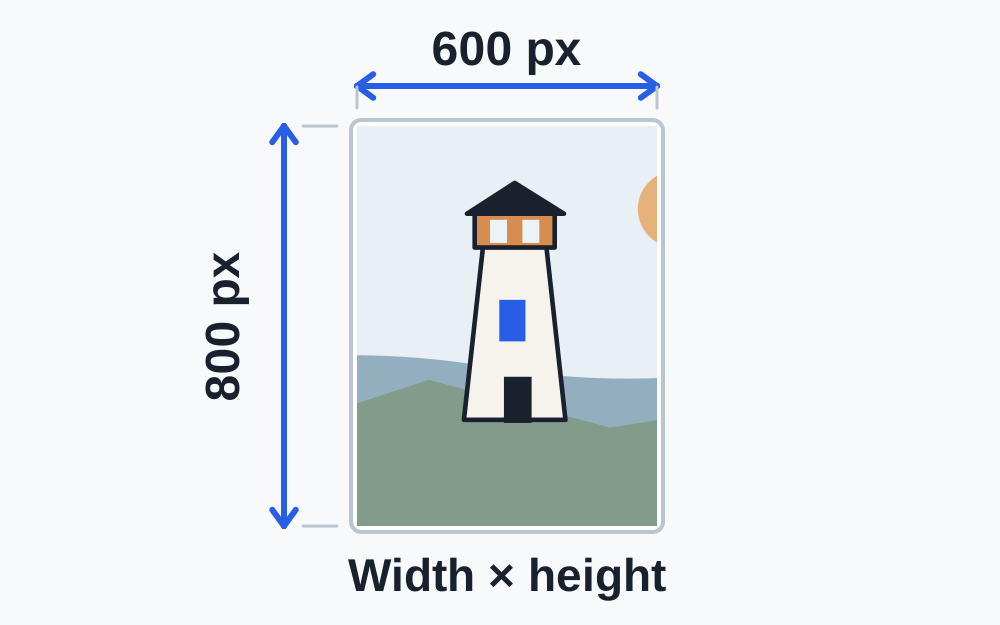
Understand an incorrect image dimensions error, compare exact pixel requirements, and avoid stretching, unnecessary cropping or confusing pixels with KB.
Read guide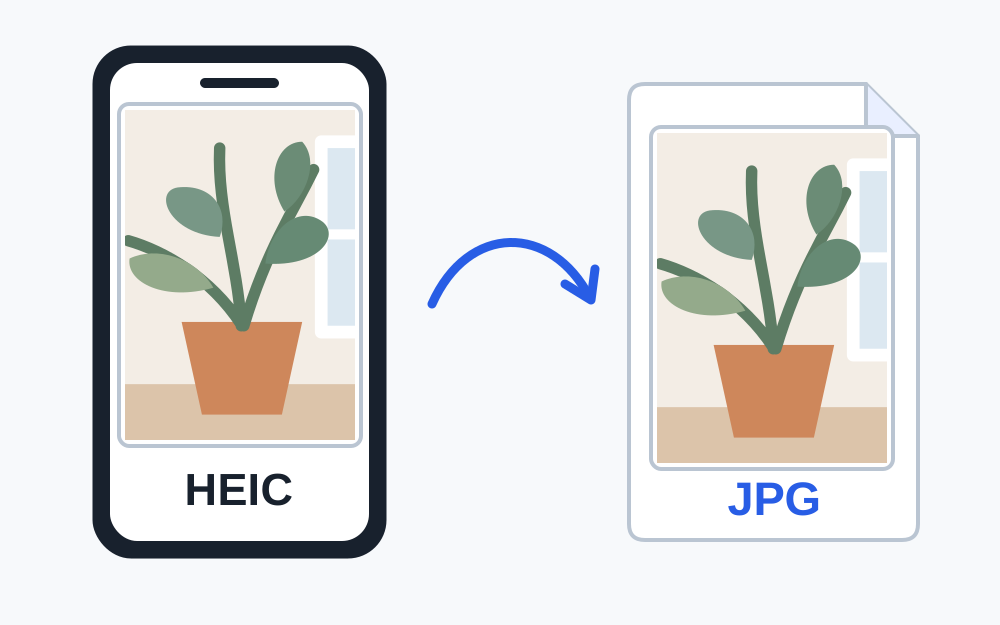
Solve an unsupported HEIC photo upload with a genuine JPG copy. Check size, orientation and quality, and understand which iPhone settings affect new photos.
Read guide
Prepare supporting documents for the UCAS application. Check the 2027-entry guidance, accepted formats, readable evidence and what to do when an upload fails.
Read guide
Check Shopify product-image dimensions and file size, distinguish collection and theme uploads, and fix a rejected image without losing useful product detail.
Read guide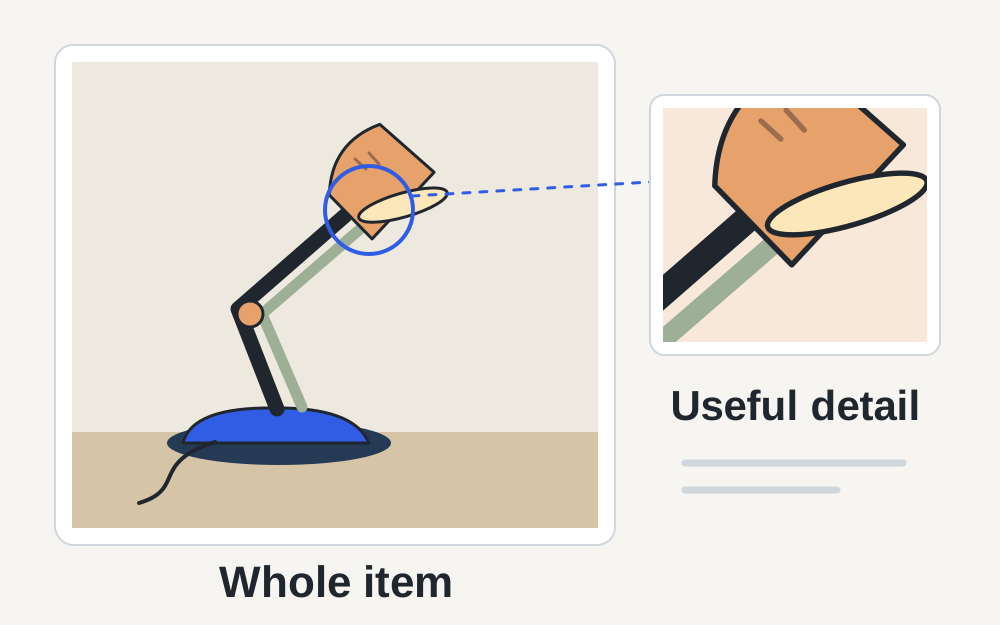
Check eBay photo sizes, supported formats and listing rules. Find the difference between a failed upload, a poor thumbnail and an unsuitable product photo.
Read guide
Check Etsy listing photo requirements, slow uploads, transparency and thumbnail cropping. Prepare a useful product image without losing important detail.
Read guide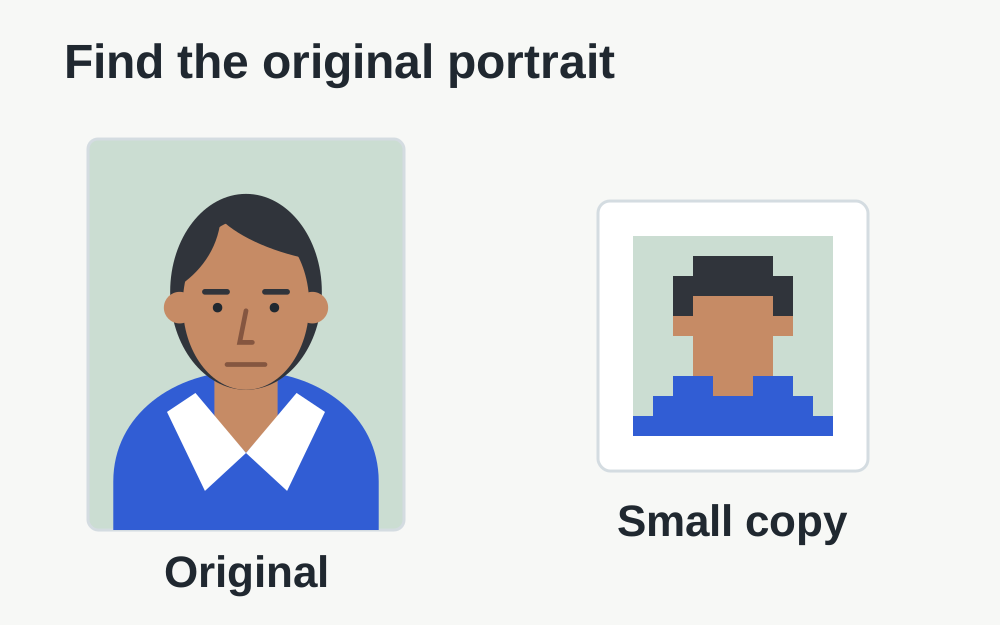
Check LinkedIn profile photo formats, pixel dimensions and the 8MB limit. Diagnose an upload failure separately from a poor crop or low-quality source.
Read guide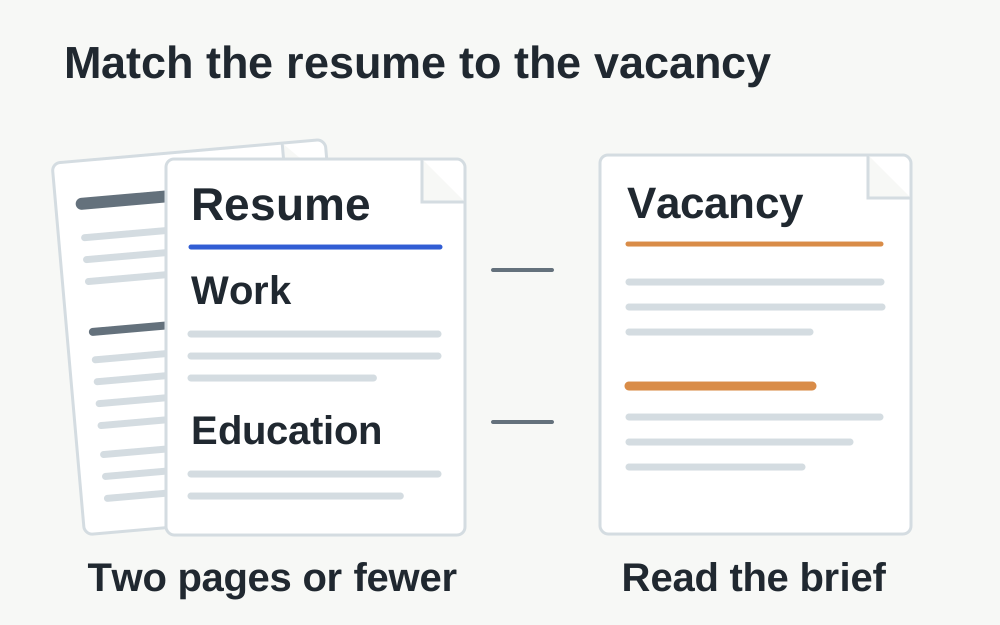
Check current USAJOBS resume rules: two pages, 5MB and accepted formats. Prepare a readable document and review the file selected for your application.
Read guide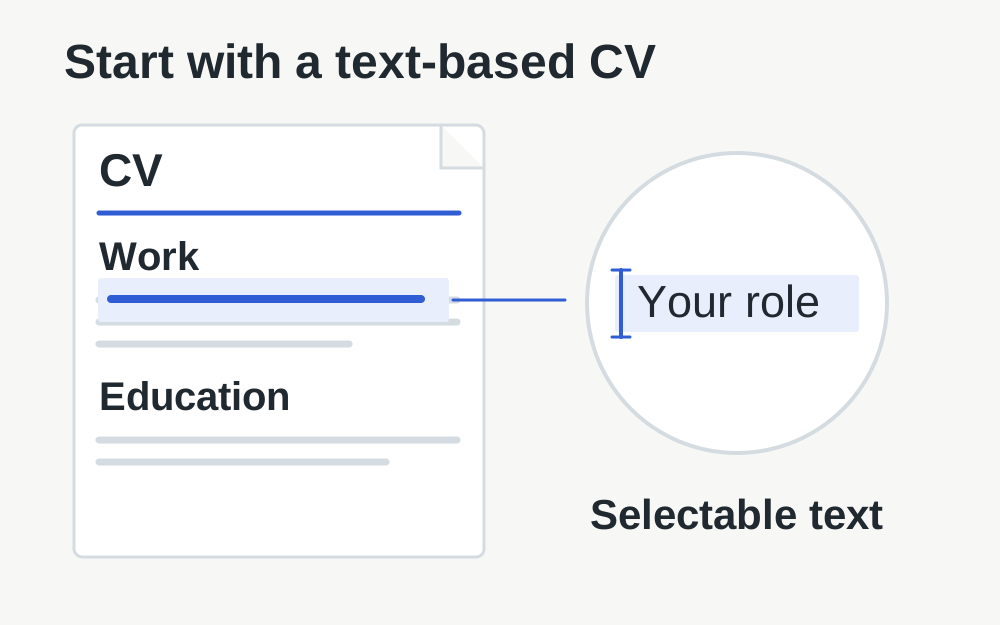
Prepare a readable CV for Indeed, check file and account issues, and distinguish a rejected upload from a layout or profile-import problem.
Read guide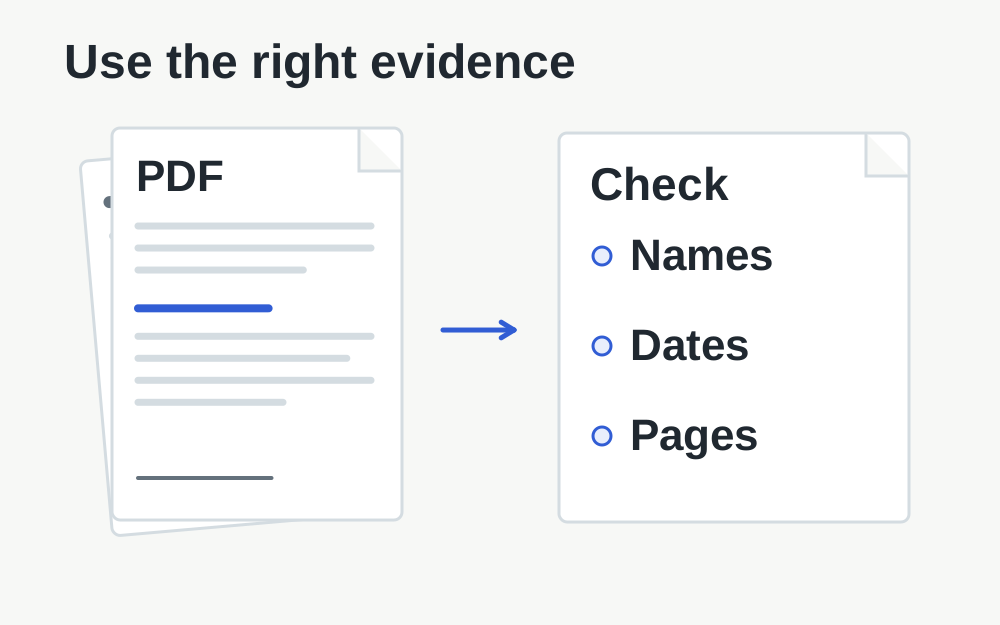
Prepare readable visa evidence using the official self-upload guidance. Check formats without confusing face-photo rules or commercial partner portals.
Read guide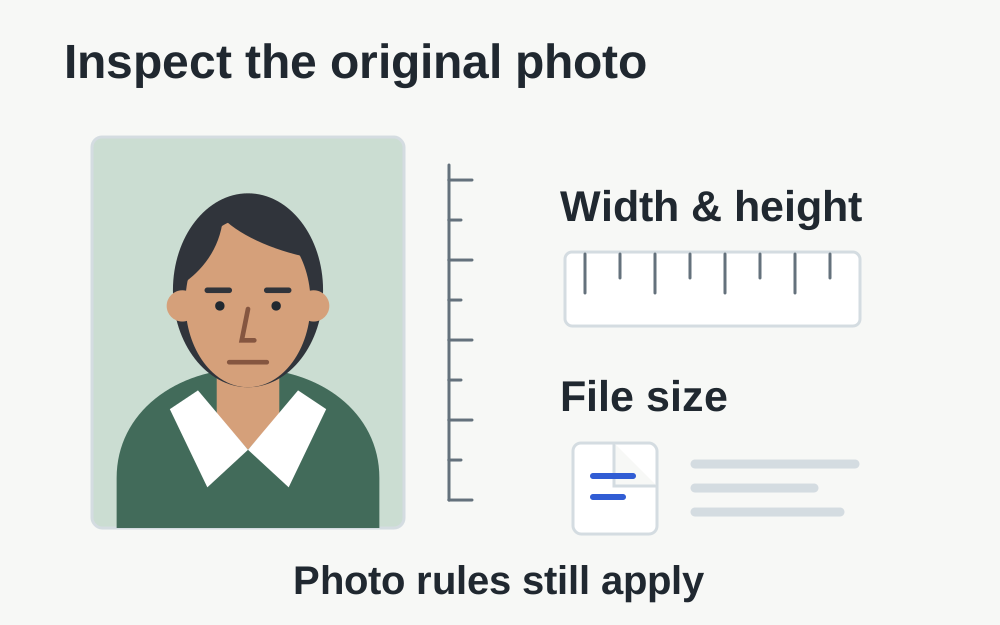
Check UK passport photo size and pixel requirements. Diagnose file problems, keep the image unaltered and understand what a local checker cannot approve.
Read guide
Check UKVI's facial-photo requirements and diagnose a rejected upload. Keep the photograph unaltered and distinguish face-photo rules from supporting evidence.
Read guide
Check US visa image dimensions, JPEG format and the 240kB limit. Understand cropping and compression, and what a file checker cannot approve.
Read guide
Find why a Google Forms upload fails. Check sign-in, the owner's restrictions, shared-drive limitations and whether the whole form was submitted.
Read guide
Check Microsoft Forms organisation access, file question settings and upload errors. Find when you need a smaller file and when only the form owner can help.
Read guide
Check LinkedIn cover-photo dimensions, JPG or PNG format and the under-8MB guidance. Fix upload problems and plan a banner that works across screen sizes.
Read guide
Check Shopify theme-image uploads using separate pixel and file-size measurements. Understand uploader limits, banner cropping and compression.
Read guide
Understand Gmail's attachment limit, combined file sizes and Google Drive links. Troubleshoot a failed attachment without damaging a readable document.
Read guide
Check Outlook.com's attachment and message limits. Separate personal and business accounts, then choose a readable file or an appropriate OneDrive link.
Read guide
Prepare an Etsy shop logo with the correct dimensions and format. Check the current upload rules, avoid black backgrounds and keep small lettering readable.
Read guide
Cannot attach a CV or evidence to NHS Jobs? Check which documents belong in the application and which your recruiting employer needs separately.
Read guide
Troubleshoot Trac document upload problems without mixing application forms and pre-employment checks. Check the recruiter, file requirements and saved copy.
Read guide
Find out what to check when VFS Global rejects a document: the correct visa route, local instructions, file format, scan quality and upload confirmation.
Read guide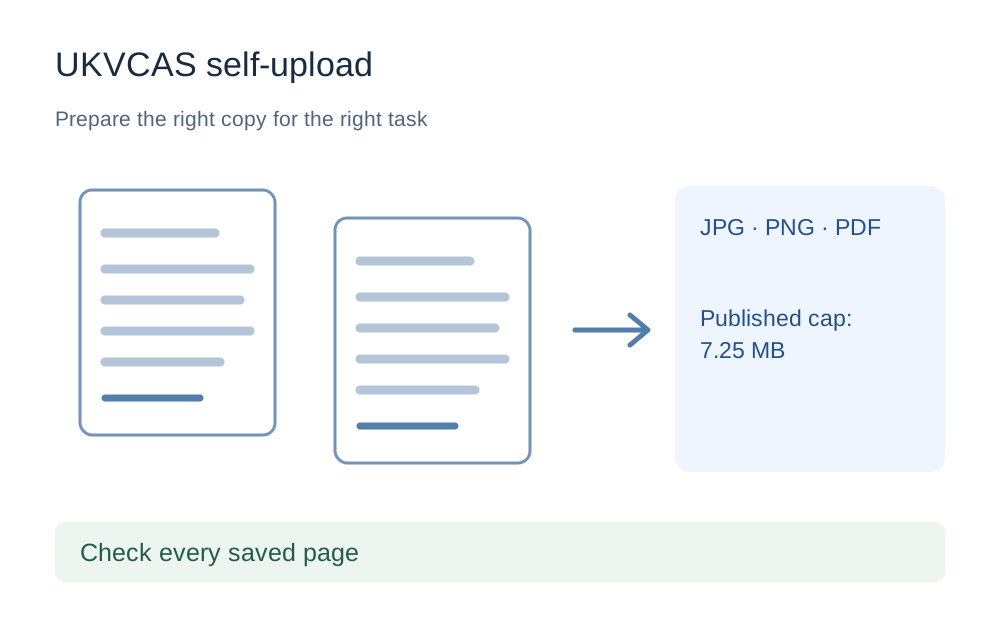
Check TLScontact UKVCAS self-upload formats and the published 7.25MB limit, then prepare readable documents without borrowing rules from another visa service.
Read guide
Troubleshoot a DVLA photo upload without confusing driving-licence and passport rules. Check the current service, photo instructions and downloaded file.
Read guide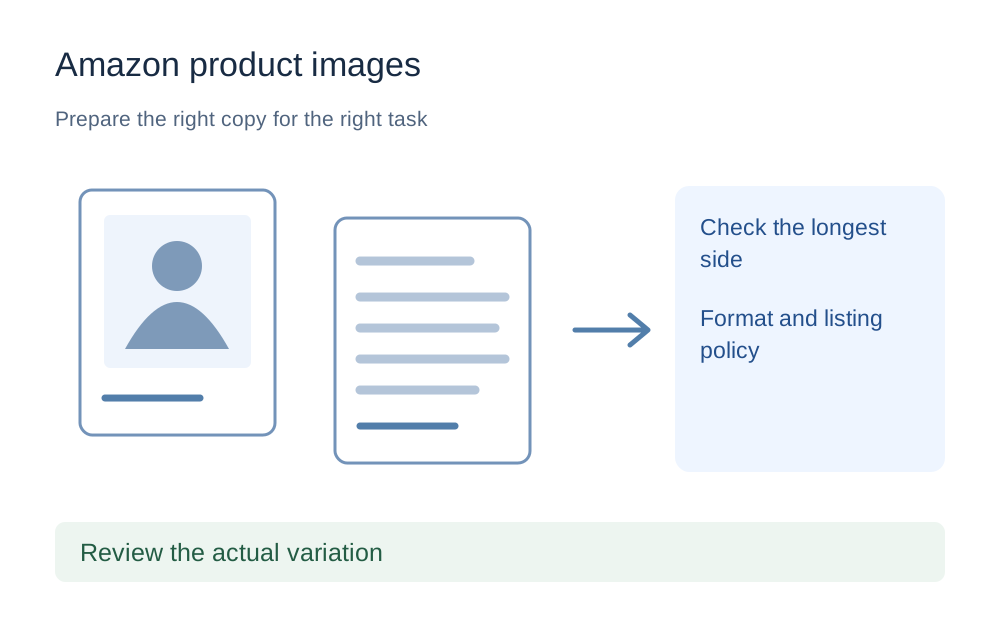
Check Amazon Seller product-image formats and pixel sizes, avoid confusing recommendations with requirements, and troubleshoot uploads that do not appear.
Read guide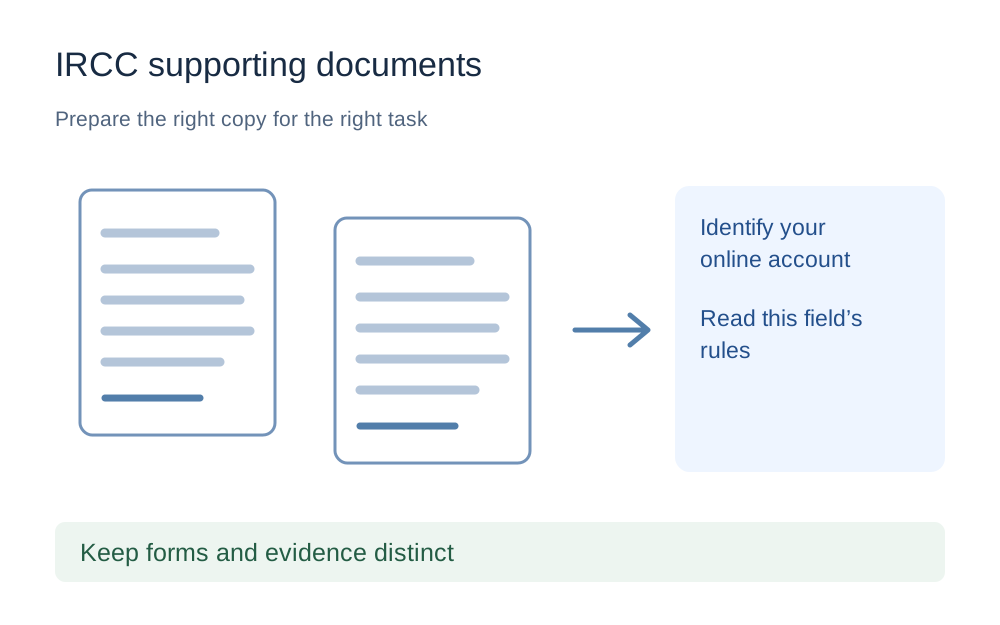
Prepare documents for an IRCC upload by checking the account type, accepted formats and field-specific limit. Keep forms, scans and evidence readable.
Read guide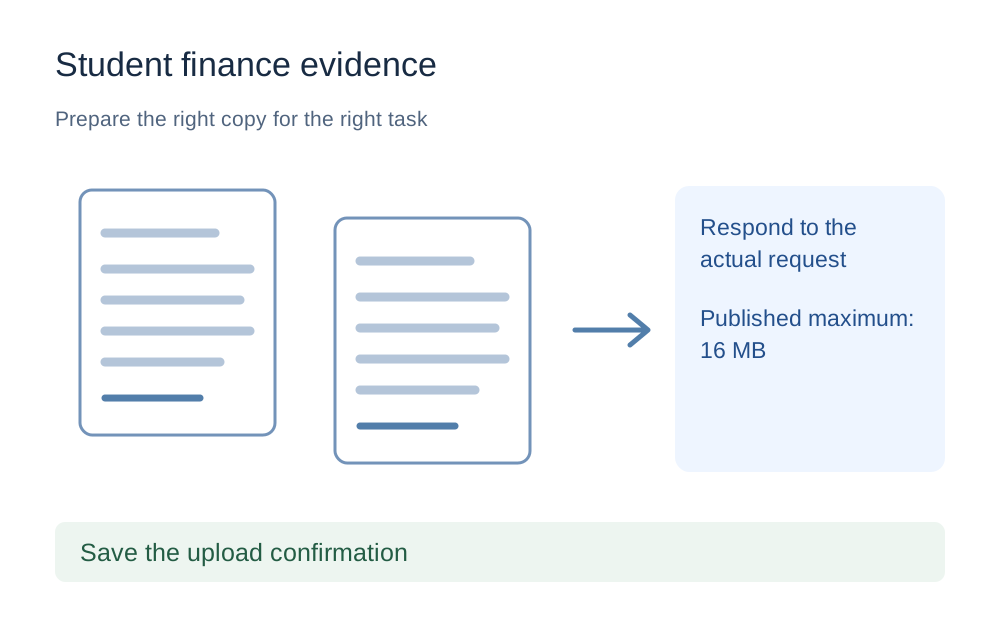
Prepare requested Student Finance England evidence within the published 16MB limit, avoid password-protected files and check the correct account before sending.
Read guide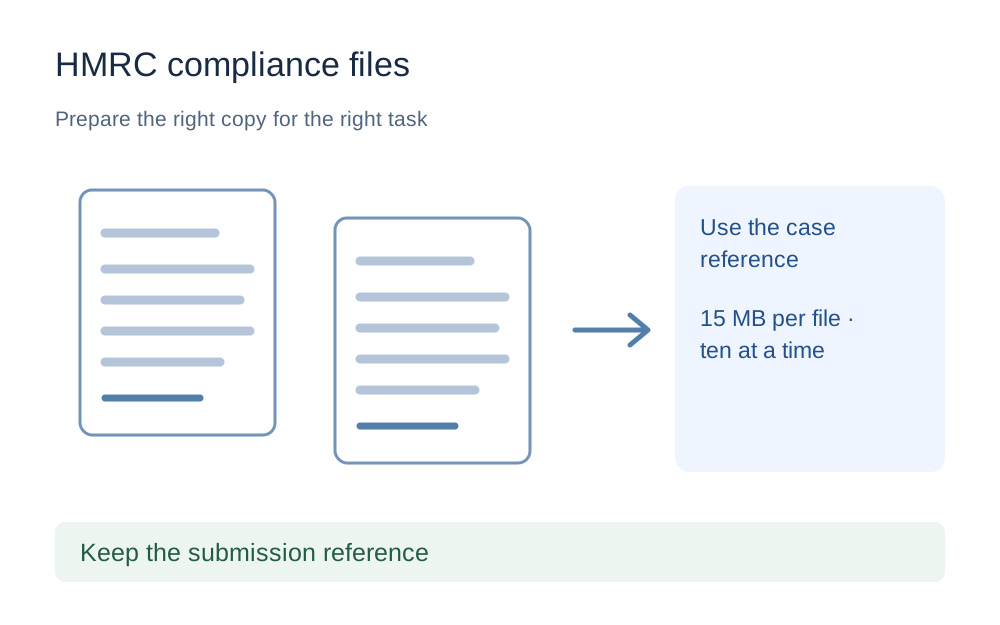
Check the official 15MB-per-file and ten-document limits for HMRC compliance uploads, while preserving the requested spreadsheets, PDFs and other evidence.
Read guide
Check the right ImmiAccount attachment instructions, distinguish documents from photographs and keep complete copies before submitting evidence to Home Affairs.
Read guide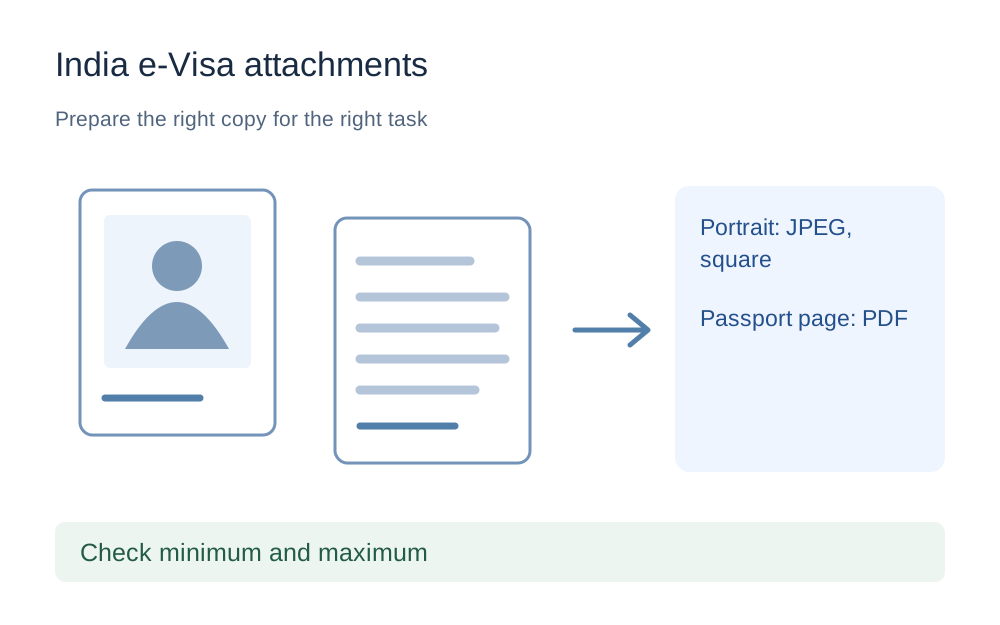
Check India's e-Visa JPEG photo range and the separate passport PDF limit. Prepare readable files without confusing a square portrait with a passport-page scan.
Read guide
Prepare a readable Blue Badge document upload and head-and-shoulders photo. Check your council's current instructions without inventing a national file-size cap.
Read guideThese file upload guides cover both the file in front of you and the website receiving it. Choose a guide that matches the exact error, document task or platform. A useful answer should explain what to check, which changes are appropriate and where the receiving service’s own instructions take priority. Keep those instructions open while preparing a submission.
If the message names a format, dimension or size limit, use the guide about that issue first. A general upload-failed article is helpful when the message is vague, but it can take longer to reach an answer when you already have a specific clue. Keep the exact error wording rather than translating it into something broader.
Platform guides help when the same file behaves differently on different services. A profile photograph, product listing and supporting document may have different accepted formats even within one organisation. Choose the guide for the particular upload task, then compare it with the current field you are using.
An official minimum is a condition you must satisfy. A recommended size is guidance about a useful result. They are not interchangeable. A page might recommend a large image for presentation while the uploader accepts smaller ones, or require a hard minimum that a technically valid image does not reach.
The guides distinguish those cases where the official source supports them. When the source does not establish a universal number, the article should say where you need to check your own form. Borrowing a neat limit from another task can create a false sense that a file is ready when the relevant requirement is still unknown.
File bytes, image pixels and PDF page dimensions describe different properties. An instruction about megabytes is not an instruction about width. A page size in points or millimetres is not an image-resolution target. Copy the units as well as the number when collecting the receiving rules.
Rounded labels also need care. A local file that appears close to a maximum may be slightly above the exact boundary. Some tools use binary units while a service may state a decimal quantity. Use a measured byte figure where possible, leave reasonable room below a maximum and avoid sacrificing readability merely to reach an unnecessarily severe target.
Platform requirements can change, and different official help pages can describe different parts of a service. Each source entry records when it was checked. That date helps you assess how current the guide is; it is not a guarantee that the service has made no change since then.
Follow the linked official page and the instructions on your actual upload field for a live application. If those instructions differ from the guide, use the current receiving instructions. Preserve the wording or link when asking the organisation for clarification. An account-specific field can have limits that do not appear in a general help article.
A local checker can compare supported measurements with the rules you supply. It cannot read every hidden policy on a remote website or decide whether your evidence answers the question. A valid JPEG may have the wrong subject, and a readable PDF may be the wrong document for that upload category.
Sign-in state and permissions also matter. Forms used by schools, employers or other organisations may restrict who can attach files. Compression will not grant access to an account. If a file already matches the technical rules, stop editing it and investigate the session, form permissions or service guidance instead.
Some articles lead to a file check, others to a particular conversion or PDF operation. The link should follow the problem you have established. Do not assume that every article about a size limit means the file can be reduced enough by the current compressor. Its supported method and limitations still apply.
For example, a text-based PDF might benefit from repacking, whereas a large scanned document may need a better export from its source application. A HEIC photograph may need a genuine JPEG conversion if the receiver disallows HEIC. Neither operation replaces reviewing the finished file against the receiving instructions.
A passport or visa photograph has content requirements beyond dimensions and file size. Cropping, retouching or otherwise altering it may be restricted. Use the relevant official photo guidance before applying a general image workflow. The fact that an operation is technically possible does not make it appropriate for that submission.
Supporting evidence has its own concerns. Keep required corners, names, dates, stamps and pages visible and readable. Do not remove material solely to make an upload smaller. If the instructions appear impossible to meet without damaging the evidence, ask the receiving organisation how it wants the file supplied.
A guide describes a workflow, but your particular file determines whether it succeeds. After an operation, open the actual download and inspect the details that matter. Check page order for merged documents, small text for compressed images and backgrounds when converting transparent graphics into JPEG.
Keep your original until the submission is complete and any required retention period has been considered by you. Clearly name the output so it can be selected without guessing. Many repeated upload errors come from choosing an earlier copy, especially when a phone’s file picker shows several similar previews without much filename detail.
If the file opens, fits the published measurements and still fails in a fresh session, collect the error wording and the name of the upload field. Include the format and measured size if you contact the receiver. Avoid sending confidential evidence to a general support channel unless the organisation tells you that channel is appropriate.
There may be a service outage, an account restriction or a document-specific rule that a local tool cannot resolve. The guides help you narrow the issue and ask a useful question. They do not submit forms for you, replace the receiving organisation’s judgement or guarantee that an application will be accepted.
An article may use a simple size or document example to explain a method. That example is not a new requirement for your application. Replace it with the rule shown on your receiving form and check whether the same reasoning applies. A technique that is appropriate for an ordinary product photo may be prohibited for an official identity image.
If the source asks for an unchanged original, stop before applying a general editing suggestion. The article can explain the options, but the receiving instructions determine which options belong in your particular workflow. Keep the original until that distinction is clear.
No. These are independent explanations with links to the official guidance used for the relevant claims. For a live submission, the receiving website’s current instructions take priority. Follow the source link and read the rules for your particular task.
Choose the general guide matching the error and enter the actual requirements in a compatibility checker. You do not need a platform preset to measure a file. Keep any unknown restriction unverified rather than adopting the limits of an unrelated service.
Limits can change. For a live application, use the current instructions on the website receiving your file.