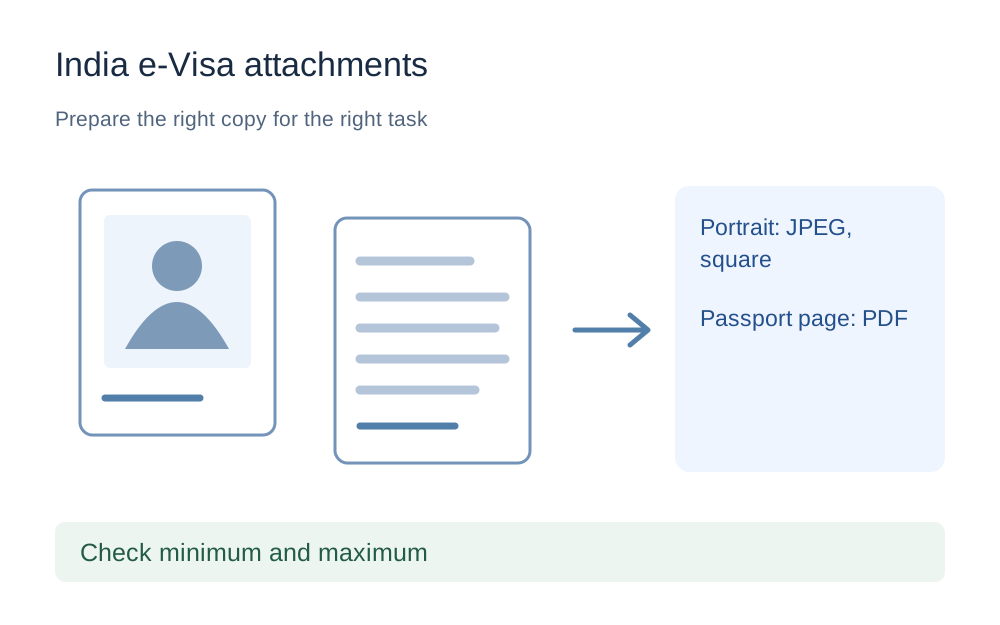
Keep the two required file types separate
The portrait is a photograph of the applicant. The passport attachment is a scan of the bio page showing the photograph and details on the document. Do not put the passport scan into the portrait field or convert the portrait into a PDF simply because the other field asks for one.
Prepare clearly named local copies for each task. When the file picker opens, read the field label again before selecting the download. Similar filenames such as photo-final and passport-photo-final can cause avoidable mistakes. A practical pair of distinct filenames is easier to review than a folder full of copies differentiated only by numbers added by the browser.
A smaller file can fail the minimum
The official instructions give minimum sizes as well as maximum sizes. A portrait or passport PDF below 10KB is not automatically suitable just because it fits the upper ceiling. Our compression presets aim below a maximum; they do not pad a small file or certify that it satisfies every minimum in an application.
For that reason, this guide does not present one combined automatic pass result for the full e-Visa upload requirements. Use the checker for the appropriate maximum and format, then explicitly compare the output with the minimum stated by the receiving service. Readable content, photograph composition and the application field still need separate review.
Check square shape without stretching the face
The published portrait instructions say the height and width should be equal. Measure the image rather than assuming that a square-looking thumbnail has equal dimensions. The checker offers a square-image condition that compares those values, but it does not crop the picture or assess whether the head sits correctly in the frame.
Do not stretch a rectangular portrait to make both numbers identical. That changes proportions rather than producing a suitable composition. Use an appropriate permitted capture or editing process according to the official photo instructions, and inspect the result carefully. A technical square-shape check does not confirm facial content, lighting, background or likeness requirements.
Convert a phone photo into a real JPEG when appropriate
If your phone saved the intended portrait in HEIC, a filename ending in .jpg is not enough. Use a genuine conversion for a supported source and open the new JPEG. Confirm that the image is upright and that the complete intended portrait appears, with no app controls or screenshot borders around it.
Some HEIC variants do not decode in every browser. A failure here does not mean the photograph is necessarily unusable elsewhere; it means this local converter could not safely produce and verify the output. Obtain a suitable JPEG through an appropriate source workflow rather than repeatedly renaming the original or uploading an unverified file.
The passport bio page needs readable detail
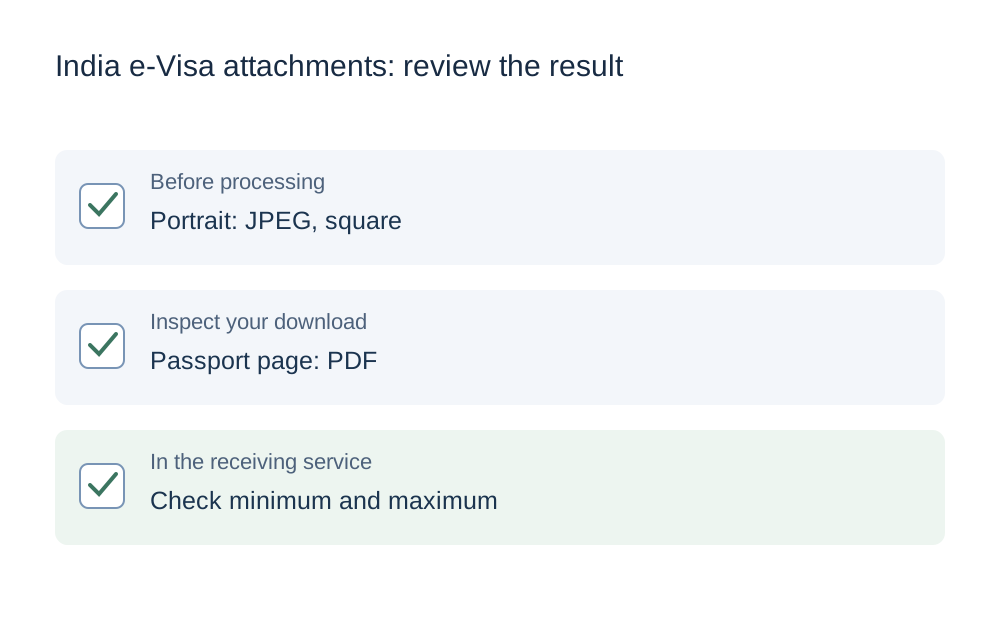
The passport PDF must preserve the requested bio-page information. Check the edges, portrait, printed details and machine-readable area in the saved copy. A small file with blurred characters is not a useful preparation result. If glare obscures a section, retake the source image rather than trying to conceal the problem with stronger compression.
Do not alter document details or remove parts merely to reduce the size. If you create the PDF from an authorised image, review that PDF after export. A good source photograph can still be placed too small on a page or at the wrong orientation. Look at the actual downloaded document, not only the input image.
Use the 300KB tool with the full range in mind
The new under-300KB tool uses a strict decimal target below 300,000 bytes. It can help with a supported file that exceeds a maximum, but it is not an e-Visa approval tool. A PDF that is already below that target may be returned unchanged, and a larger one may not shrink enough through lossless repacking.
After processing, confirm the actual format and check that the file is not below the receiving service's minimum. A short image embedded in PDF can be smaller than expected, while a detailed scan can remain too large. Do not repeatedly degrade the image until the numbers look attractive if the result no longer shows the passport information clearly.
Do not mix regular visa and e-Visa instructions
Make sure you are following the official e-Visa route relevant to your application. Other Indian visa processes can have different document, photograph or submission instructions. A page discussing a printed photograph or another application route is not automatically a source for the file-upload fields you are completing now.
This guide does not advise on eligibility, visa categories or which supporting evidence you must provide. The official application and its instructions determine those matters. If the portal asks for an additional document, prepare the specific requested copy and check its own field conditions instead of assuming that the portrait's JPEG rules apply to it.
Review the uploaded copies before completing the application
Return to the official portal and choose the prepared portrait and passport file in their separate fields. Where the portal provides previews, check that each shows the correct content and applicant. Confirm that the latest download was selected rather than an earlier oversized or incorrectly formatted version.
Keep the original files, prepared copies and official application reference privately. If a technical error persists, record the exact wording, measured bytes and format, and use the official support route. Do not share passport scans or payment details through a general file-tool contact form. Make My Files Work cannot submit an e-Visa application or guarantee that a photograph or document will be accepted.
Questions that come up
Can the passport PDF and portrait use the same size setting?
No. The official instructions list a JPEG portrait range of 10KB to 1MB and a passport bio-page PDF range of 10KB to 300KB. Check the correct field and file type separately. A portrait that fits its own maximum can still be far too large for the passport-document limit.
Does under 300KB mean the passport scan is ready?
It confirms only an upper size target when processing succeeds. You must also check the minimum, the PDF format and the complete readable bio page. The tool does not verify the passport or the application's evidence requirements, and it cannot approve the submission.
Why does the guide not promise a complete automatic e-Visa check?
Several published requirements concern the photograph's content and both attachments have minimum sizes. The local checker does not evaluate all those conditions. It can measure supported technical properties and help you prepare a copy, but the official portal and instructions remain the authority for the application.