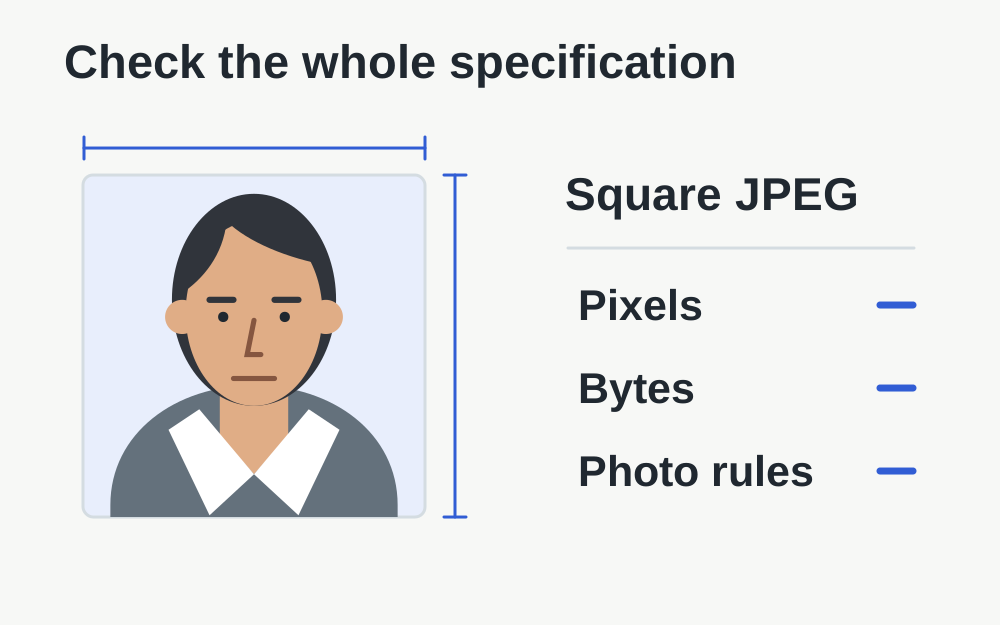
The Department of State's published image specification
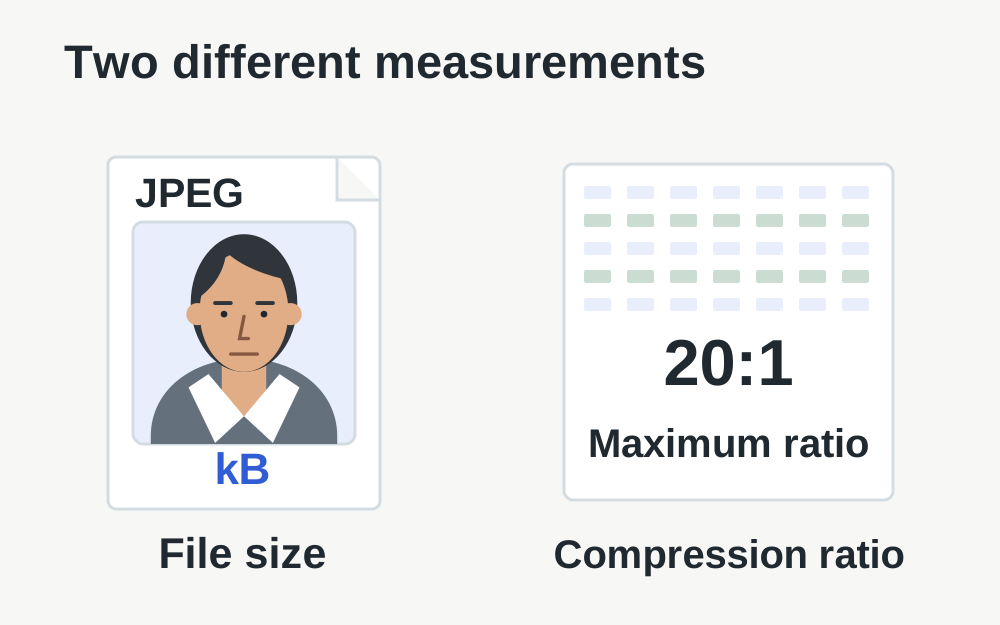
The linked digital-image guidance requires a square JPEG between 600 × 600 and 1200 × 1200 pixels, in 24-bit colour and sRGB, with a maximum size of 240kB. It also specifies a compression ratio no greater than 20:1. These details were checked on 14 November 2026. Follow the photo requirements and instructions for your particular application.
Do not import the portrait dimensions or byte limits used for a UK passport photograph. A square image is a distinct technical requirement here. Nor should a generic 'passport photo' preset be assumed to match this visa process. Check the named destination and the official source before preparing a file with a tool that serves many different applications.
Start with a suitable original photograph
Open the original picture before working on an export. Check that it is sharp enough to retain facial detail and that you know whether filters or appearance adjustments were applied. A file saved from a social profile or messaging thumbnail may already be altered or heavily reduced. Reusing it can create problems that another export cannot repair.
The Department of State warns against digital enhancement or alteration that changes appearance. Treat a technical crop separately from retouching a face or replacing part of the scene. If the source photograph does not meet the photographic requirements, take an appropriate new image or use a suitable photo service rather than trying to conceal the issue with editing.
Check a square shape without distorting the face
Square means the stored pixel width and height are equal. It does not mean stretching a rectangular photograph until both numbers match. Stretching changes proportions. A crop changes which part of the image is retained, and still needs to follow the official composition rules. Check the face and surrounding frame after any permitted preparation.
The official page provides a Department of State photo tool for cropping and explains that it does not make the final acceptance decision. Use the official instructions for the intended framing. Make My Files Work can report supported image dimensions, but it cannot measure every facial-position rule or certify that a square crop contains the correct proportions of head and background.
Understand what the 240kB limit does and does not prove
Measure the exported file you intend to upload, not the source that existed before saving. Image applications can produce different sizes from the same dimensions depending on detail and encoding. A photograph with a complex background may need more data than a simple scene, even when both have the same pixel count.
Leave a little room below the published boundary and follow any exact message in the application. Our generic size-target tools use binary KB and MB conventions; their labels are not a built-in US visa rule. A result described as under a nearby target still needs comparison with the actual visa specification. Smaller is not automatically better when facial detail is being lost.
Compression ratio is a separate requirement
The official maximum compression ratio is not equivalent to a percentage reduction shown by a generic compressor. A before-and-after file-size comparison may involve a source that was already compressed, resized or saved in another format. It therefore does not establish that the visa requirement has been met.
Make My Files Work does not certify a photograph's sRGB encoding, colour depth or official compression ratio as a complete visa-compliance assessment. If your photo software or supplier provides the required technical information, check it there. Do not label an image compliant solely because a JPEG signature, square dimensions and byte count pass local checks. Those checks answer useful but narrower questions.
Review the actual saved JPEG
After an allowed export, reopen the saved file and inspect it at normal size and a closer view. Look for block patterns, smudged fine detail or visible artefacts around high-contrast edges. Compare with the untouched source. A small preview can hide defects that become apparent when the image is examined more closely.
Check that the file really contains JPEG data. Renaming a PNG or HEIC image with a .jpg extension does not convert it. If a genuine conversion is needed, preserve the original and review the output carefully. The conversion process cannot decide whether the picture was suitable before it began, and a cleanly decoded output is not an official approval.
A scanned printed photograph has additional instructions
The Department of State's digital-image page gives separate guidance for scanning an existing printed photograph, including a two-inch square original and a 300-pixels-per-inch scan. Do not confuse that scan setting with the pixel dimensions of an already digital file. The relationship between print size and scan resolution only applies to the actual scanning step.
If scanning, use the original print and inspect the entire result for dust, glare or softness. Photographing a photograph with a phone can introduce perspective and reflection problems. Follow the official route for your application rather than assuming any picture of an existing portrait is equivalent to a correctly prepared digital image. When unsure, a new suitable photograph can avoid these extra uncertainties.
When upload fails despite the measured properties
Read whether the application reports a file error, a composition issue or a technical interruption. A file that is within the measurements can still fail other photo checks. If the process never reaches the image preview, check that the local file opens and that your session and connection are working before changing the picture again.
Keep the exact message and note which copy was selected. Avoid moving between several nearly identical exports without a clear naming system. Save application progress where available before retrying in a fresh supported session. If you need assistance, use the application's official support instructions rather than sending your portrait and application details to an unrelated public forum.
Do a final version check before submission
Place the final candidate in a clearly named folder alongside, but separate from, the untouched original. Confirm its dimensions, format and measured size once more. Read the official photo instructions for all the requirements that cannot be reduced to those numbers. Check the preview shown by the application rather than relying entirely on your editing program.
Our tools process supported selected files in the browser and do not send the photograph to a visa service. They cannot assess identity, make a consular decision or guarantee acceptance. The official page itself makes clear that the authority decides whether the photograph is acceptable. Use local file inspection to remove avoidable technical mistakes, then follow the actual application process.
Questions that come up
Does a 600 × 600 JPEG under 240kB always pass?
No. The published specification also covers other technical properties and the photograph must meet the relevant appearance and composition rules. Those numbers are necessary checks for the cited workflow, not a complete approval test. Review the current official instructions before submission.
Can a generic compression percentage prove the 20:1 rule?
No. The displayed saving compares the input and output file sizes, and the input may already be compressed. That is not the same measurement as the official compression-ratio requirement. Use suitable photo software or provider guidance for properties the local checker does not verify.