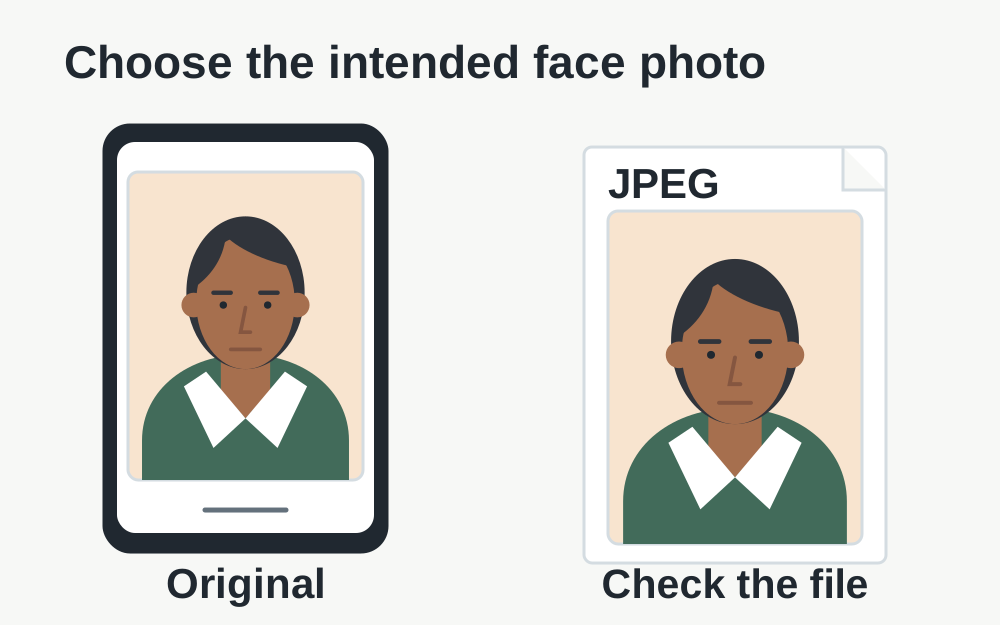
The current UKVI facial-photo specification
The official UKVI guidance specifies a vertically oriented JPG or JPEG, at least 600 pixels wide and 750 pixels tall, between 50KB and 6MB. The photograph must not be mirrored, flipped or altered with software or filters. It must show you rather than a photograph of an identity document. These requirements were checked on 14 November 2026.
The same article gives detailed rules for the actual photograph, including the background, lighting and what must be visible. Read it in full before taking the picture. Do not transfer the 6MB figure to every visa attachment: statements, certificates and other evidence follow their own instructions and may be uploaded through a different service.
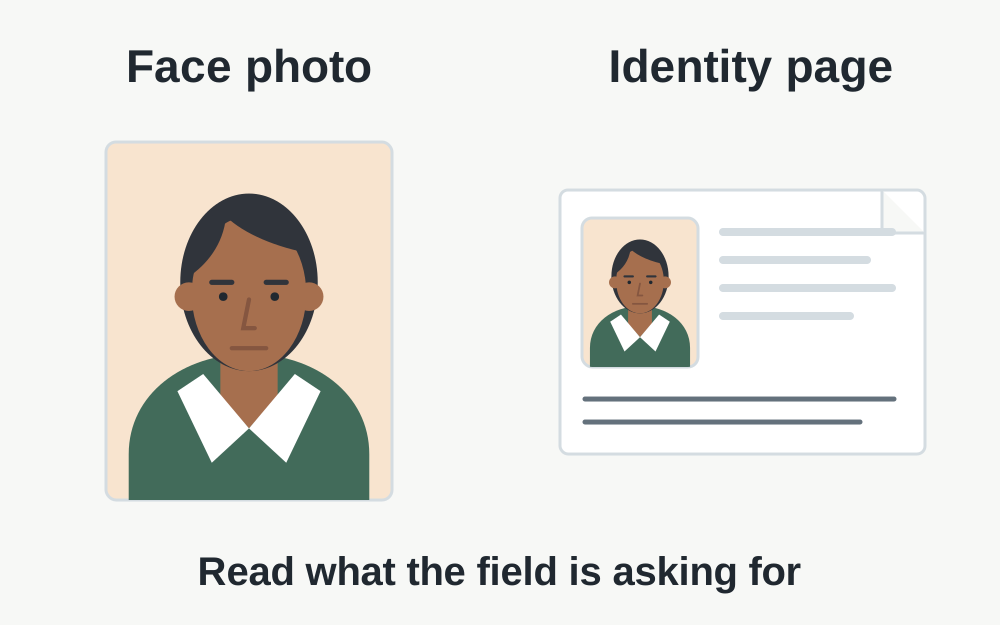
Confirm that this is a facial-photo request
Read the field label and the surrounding instructions. A request for a photo of your face is not satisfied by the portrait printed inside your passport. A request for a passport page is also not satisfied by a new portrait. Both involve images, but they establish different things and have different preparation rules.
If you are completing an application for another person, keep their files in a clearly labelled working folder and check the preview carefully. Do not rely on a generic name such as image001 when several people's photographs are present. The correct file can meet every technical requirement while still being the wrong person's photograph for that application.
Inspect the format rather than just the extension
A phone may produce an image in a format that differs from the filename you expect. The file type checker recognises supported signatures, which gives better information than an extension alone. If the data is HEIC, changing the name to end in .jpg does not turn it into a JPEG. Use an appropriate original or an authorised genuine export as directed by the application.
Keep any format issue separate from appearance rules. A readable JPEG is not automatically an unaltered or suitable facial photograph. Before exporting, check whether the source already has a filter, portrait effect or other adjustment applied. If you cannot establish what happened to the image, taking a new photograph under the official instructions may remove more uncertainty than another conversion.
Measure the portrait in the correct orientation
Width and height are ordered measurements. A landscape file with the two figures reversed does not meet the same shape as a vertical image. Open the actual photograph and compare the visible orientation with the properties reported by the checker. Some viewing applications interpret orientation information differently, so an apparently upright preview is not a complete technical assessment.
Do not mirror or flip the picture to make it resemble the view you are used to seeing in a front-camera preview. UKVI explicitly rules those changes out. If the photograph was captured incorrectly, follow the official advice for taking a fresh one. The orientation tools offered for ordinary images are not a certificate that an edited visa photograph is acceptable.
If the file is too small
Look for the original image rather than a small copy saved from a conversation or preview. A message service can create a more compact version, and a screenshot captures the screen rather than the original photograph. Transfer the original carefully and check the received file's properties. Do not assume that a familiar thumbnail proves it is the same quality.
Adding pixels to a tiny image or resaving it until the byte count grows does not recover missing facial detail. Likewise, placing the photograph on a larger blank canvas changes its framing without improving the underlying picture. If the original cannot meet the requirements, retake it using the application's guidance rather than trying to manufacture a larger file from inadequate material.
If the file is too large
Check that you selected a single intended still image, not a collage or an unrelated export. Read any current instructions shown by the application for supplying the photograph. Because this is an identity-related image with restrictions on alteration, do not treat an ordinary image-compression workflow as automatic permission to change it.
Where the correct preparation is unclear, obtain a suitable fresh photograph or ask the service for guidance. Our size tools can report a file's measurements, but they do not authorise alterations on UKVI's behalf. Retain the original and avoid a long sequence of edited copies whose history is difficult to establish. An upload success should not come at the expense of the photograph's suitability.
When the file facts pass but the photo fails
A rejection may concern shadows, framing, facial visibility or another condition that a file-properties check cannot judge. Follow the wording in the application and compare it with the official examples. Changing JPEG quality will not fix a reflection hiding an eye or another person appearing behind you. Address the photographic cause directly.
Do not assume that cropping away a problem is permitted just because it is technically easy. The official photo instructions govern what the image must show. Taking another picture with the correct setup can be more straightforward than trying to repair an unsuitable one. Keep file checks as a way to identify measurable problems, rather than a replacement for the photographic requirements.
A transfer error can be unrelated to the image
If progress stalls before the application displays any photo feedback, check whether the file opens on the device and whether the connection is working. A photograph stored only in the cloud may still be downloading when selected. Save the application progress where available before refreshing, closing the tab or changing browser sessions.
Record the exact error and the step at which it occurs. A generic upload failure, a format rejection and a photo-quality message need different responses. If the same suitable file fails in a fresh supported session, use the support route for that application. Avoid sending the photograph or identity information to an unrelated third-party forum when a description of the error is enough.
Keep facial photographs and evidence organised separately
Use separate, clearly named files for the portrait and supporting documents. This reduces the chance of submitting a bank statement to the photo field or using a passport scan where a live portrait is requested. Check the actual application preview after selection, especially when completing forms on a phone with small thumbnails.
Make My Files Work processes selected supported files locally in your browser and does not connect to your visa application. It cannot verify identity, inspect every photo rule, submit evidence or guarantee acceptance. Return to the official service with the intended file, read its feedback and confirm the application stage has completed before assuming the photograph has been recorded.
Questions that come up
Can I use the photo from my passport?
The cited UKVI facial-photo guidance says not to use the same photograph as the one in your passport or identity card and not to photograph another photo. Follow the instructions for a new facial image in your application instead of extracting the portrait from an identity document.
Is 6MB the limit for all UK visa documents?
No. This figure belongs to the specific facial-photo guidance. Supporting evidence, commercial partner portals and other application routes can use different rules. Check the instructions alongside the actual upload field rather than applying a portrait limit to every document.