The official digital-photo requirements
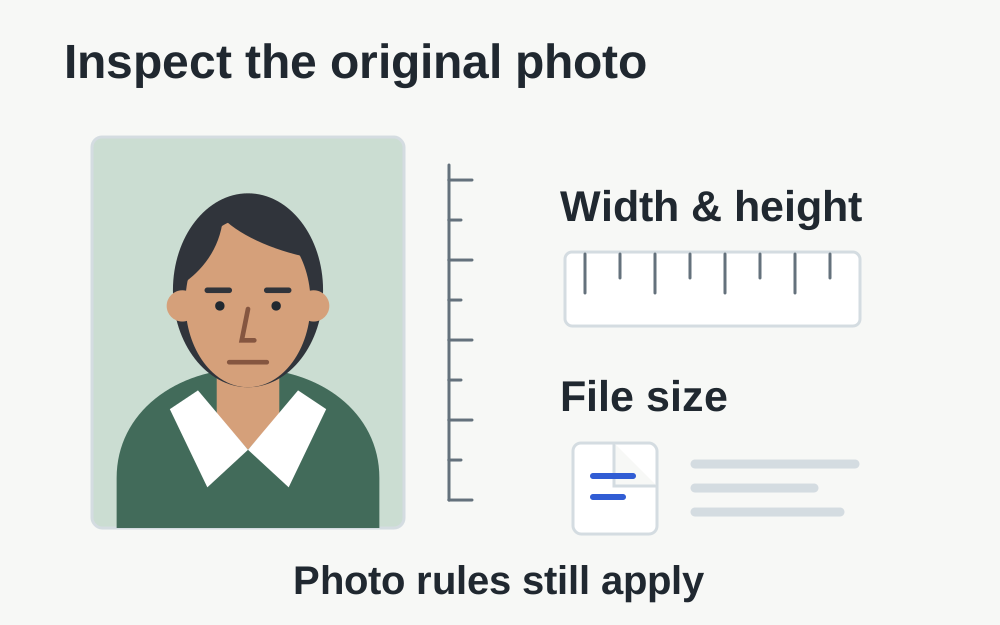
GOV.UK currently specifies a colour, focused, unaltered digital image at least 600 pixels wide and 750 pixels tall, between 50KB and 10MB. The photo must be recent, with the guidance requiring it to have been taken within the last month. For a photo taken on your own device, GOV.UK says to include your head, shoulders and upper body and not crop it yourself.
These are online UK passport rules, checked on 14 November 2026. They are not interchangeable with printed passport photographs, another country's passport rules or a UK visa upload. Read the full official guidance linked below before taking the photograph. File measurements cannot establish that the face, background, expression or circumstances meet every requirement.
Keep the original and identify which copy failed
Phones and computers often contain several versions of one photograph. There may be the camera original, an edited copy, an image sent through a messaging service and a downloaded attachment. Open the exact file selected in the application and check that it is the version you intend to submit. Similar thumbnails can hide different dimensions or modifications.
Keep the original separately while investigating. Do not overwrite it with a succession of compressed exports. If the application gives a message about the photograph itself, compare that message with the untouched original. Knowing which copy was used makes it easier to decide whether you have a transfer problem or need to take a new photograph.
Check width, height and file size independently
Pixel dimensions describe the image's available area; file size describes the amount of stored data. A file can meet the byte range but be too narrow. An image with sufficient pixels may be too small in bytes because it has been heavily compressed. Neither check can be inferred reliably from how large the picture looks on a screen.
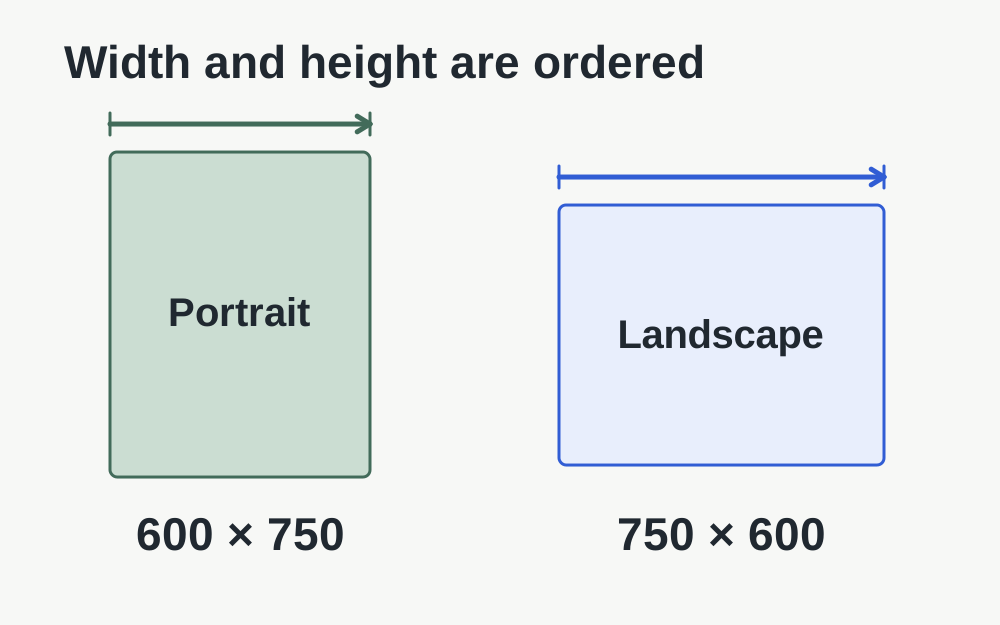
Use the image dimensions checker for a supported file and note the reported width and height. Then check its actual size. Do not confuse a landscape image measuring 750 × 600 with a portrait image measuring 600 × 750. Turning the screen or changing a filename does not exchange the image's stored dimensions or make its composition suitable.
If the image is below the minimum
Return to the original camera file before trying anything else. A small preview saved from a message may be the reason the uploaded copy lacks data or pixels. Transfer the original using a method that preserves it, then compare the properties of the transferred copy. Check the actual file after transfer rather than assuming that two matching filenames contain the same image.
Do not add empty data or repeatedly resave a tiny picture merely to make its byte size exceed a threshold. That does not restore facial detail. If the original is inadequate, take a new photograph following the application guidance or use an appropriate photo provider. A larger number in the properties window is not evidence of a clearer or compliant image.
If the image is above the maximum
First make sure you have selected the intended still photograph rather than an unrelated high-resolution export or composite. Check the application's current instructions and the options provided by your photo supplier. Because the rules require an unaltered photograph, do not treat a general compression target as permission to retouch, remove a background or change the way you look.
Where you are unsure how to provide a technically suitable original, taking a fresh photograph in the required workflow or using a photo service can be more dependable than a chain of edits. Our tools can measure file facts, but they cannot decide that a particular change is acceptable to HM Passport Office. Use the official application guidance for that decision.
A crop or filter can create a new problem
Many photo applications offer automatic enhancement, skin smoothing, background replacement and tight face crops. Those features are not a reliable route to a passport photograph. Check what your camera or editor has applied rather than assuming a familiar-looking portrait is untouched. If a filter was used, returning to an unmodified original or taking another photo is more sensible than trying to reverse it by eye.
GOV.UK's separate photo-taking instructions explain positioning and lighting. Read those before another attempt so you change the conditions in front of the camera, not the appearance afterwards. A plain background, suitable framing and a focused image are physical preparation tasks. A file converter cannot move the original light source or reveal an eye hidden by glare.
When a technically suitable image still fails
Read whether the application objects to the photograph, the file or the transfer. A face-position message should be investigated against the official photo examples. A transfer that never finishes calls for checking the connection and session. Avoid making several unrelated edits between attempts, because then you cannot tell which change affected the result.
If the file opens locally and appears within the stated measurements, record the exact application message. Save your progress before trying a fresh supported browser session. Do not repeatedly submit slightly degraded copies in the hope that one will pass. The application may be identifying a feature our size and format checks do not assess.
Photo codes are a separate route
A participating photo booth or shop can provide a code for an online passport application. The official application retrieves the digital photograph when you enter that code. A code is not the same as an image filename or a photograph of the printed strip. Follow the provider's instructions and check you are using the code field rather than an ordinary file picker.
If a supplied code does not work, contact the photo provider with the code and the problem shown. Do not post the code publicly to ask for help. Make My Files Work cannot retrieve, validate or renew a provider's code, and it cannot confirm that the associated photograph will pass the passport service's assessment.
Check only what the tool can establish
The local inspector can report selected supported-file properties without sending the photograph to our server. It cannot perform an official passport-photo assessment, verify identity or inspect every visual rule. A successful dimension check therefore means the measured dimensions fit the values you entered, not that the passport application will accept the photograph.
Keep your final file organised and choose that exact copy when returning to the application. Review the application's preview and any feedback before continuing. For children, disability-related circumstances or difficulties meeting a photo rule, use the relevant official guidance and support route. A generic resize-and-approve promise would not be an adequate answer to those situations.
Questions that come up
Should I crop my photo to exactly 600 × 750 pixels?
The published dimensions are minimums, and GOV.UK tells people using their own-device photograph not to crop it because the application will do that. Follow that instruction rather than forcing an exact crop in another tool. Check the original's dimensions without altering its framing.
Does a file below 10MB guarantee acceptance?
No. The image must also meet the minimum size and dimensions and all applicable photograph rules. Lighting, framing and appearance can still be unsuitable. Treat the local checker as a way to investigate measurable file problems, with the passport service making the actual acceptance decision.