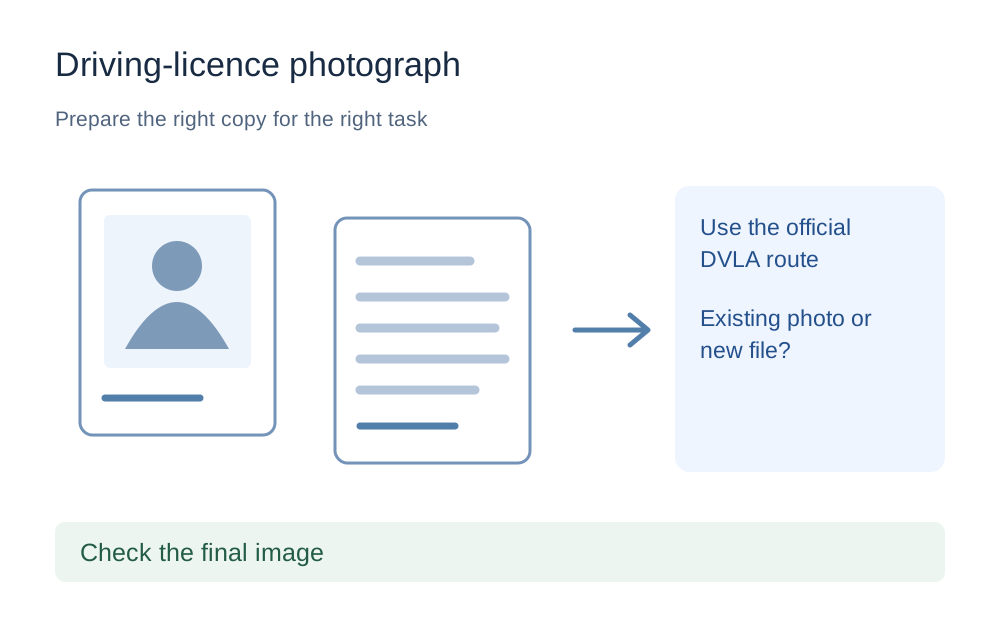
Open the official driving-licence route
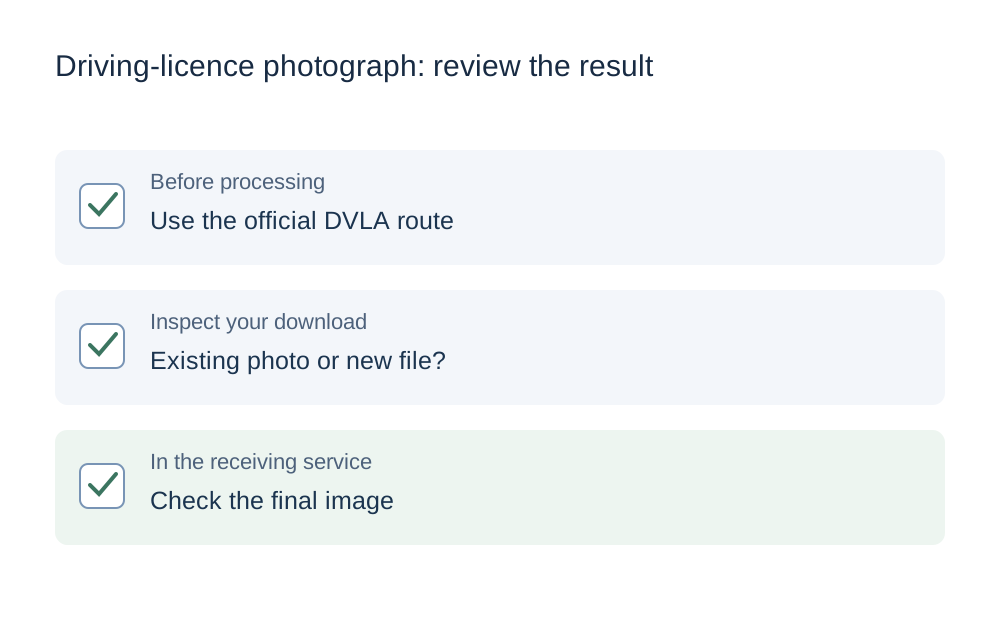
Begin from the relevant GOV.UK page and check that the task matches what you need to do. Changing the photo, applying for a first licence and renewing an existing licence are related but not identical tasks. Follow the service that GOV.UK links for your situation rather than an attachment link found in a search advert or an old email.
The guidance reviewed here concerns the Great Britain service; GOV.UK points Northern Ireland applicants to a different service. Do not carry a file limit or a sequence of screens from one into the other. This guide deals with the practical preparation of a photo, not with deciding which licence application route you are eligible to use.
Find out whether a new upload is required
If the service offers to use your passport photograph, read that option before preparing another file. If it asks you to upload a new image, follow the photo instructions displayed at that point. A choice shown in the current application is more relevant than a screenshot of a previous version of the process.
Keep the original image available until you have completed the task. Do not repeatedly replace it with compressed copies and then discover that the service needed a different capture or an existing photo. Save any preparation as a separate file so you can go back without losing the best version you have.
Do not assume a passport file limit applies
The public DVLA page reviewed for this guide does not establish a general numerical image-upload cap. We therefore do not preload an invented maximum, a passport-service size range or a fixed square crop. Open the checker and enter the limits that the driving-licence upload screen actually gives you.
Record all the stated requirements together: accepted format, maximum bytes, dimensions and any instructions about the photograph itself. A successful size check cannot tell you whether the picture meets the service's likeness or composition requirements. If an instruction is about the content of the photograph, read it as a separate requirement rather than expecting file compression to satisfy it.
Check the photograph before changing its format
Open the saved picture at a useful size. Check that it is the intended photo and not a screenshot of a photo displayed inside another app. Screenshots can include interface borders, reduce usable detail or change the image dimensions. A clean original gives you a clearer starting point for any permitted preparation.
Avoid applying appearance filters or making edits that change what the photograph shows. When the source is blurred, poorly lit or incomplete, retaking it according to the official instructions is more sensible than trying to sharpen a compressed copy. Make My Files Work does not judge whether a face photo is suitable for an identity document.
Deal with HEIC, JPG and PNG properly
A phone photograph may be stored in HEIC while the receiving page asks for another format. Check what the page accepts before converting. The HEIC-to-JPG tool creates a new JPEG from supported sources; changing the filename extension does not. Some HEIC files may fail to decode, in which case the original remains unchanged.
After conversion, open the downloaded picture and check its orientation, colours and dimensions. A format change can also change the file size, so measure the result rather than relying on the original's size. Do not convert a photograph to PDF unless the driving-licence service explicitly asks for that format. A valid PDF is still the wrong upload when the field expects an image.
Use compression only for an actual size rejection
If the upload message identifies excess size, compare the exact byte count with the stated ceiling. Rounded KB or MB values can hide the difference between just under and just over a limit. The compatibility checker lets you choose decimal or binary units explicitly and shows the measured properties of the selected file.
Image compression may reduce pixel dimensions as well as change encoding quality. Check the new width and height against any minimum on the receiving page. A smaller image is not automatically an improvement. Stop when important detail has become unclear, and do not keep recompressing the same degraded copy merely because the website still reports a problem.
A session error needs a different response
When the page fails before accepting a file, check whether you are still signed in and working in the correct application. A timed-out session is not evidence that the picture is corrupt. Save any reference information you need, return through the official route and follow the application's recovery instructions.
If you try another browser or device, use the same intended photo and note whether the error changes. That makes the result meaningful. Changing the browser, file format, size and filename all at once makes it harder to work out what helped. Do not share account passwords or identity-verification links with a file-tool support service.
Finish in the official service, not in the converter
A download from our tool only creates a local file. Return to the DVLA service, select that exact download and complete the steps it requires. Where you can review the chosen picture, compare it with the copy you checked. Be careful when several similar filenames appear in the picker after repeated preparation attempts.
Keep the official confirmation and any application reference once the process is complete. If the correct file still cannot be submitted, use the official service's help route and describe the technical failure without sending unnecessary identity information. This website is not connected to DVLA and cannot submit a licence application or approve a photograph on your behalf.
Questions that come up
What is the maximum file size for a DVLA photo?
Use the limit displayed in the driving-licence service you are completing. The public source reviewed here confirms the photo-upload option but does not provide a general maximum for every workflow. We have deliberately left the guide's checker link without a guessed numerical preset.
Can I use the same rules as a UK passport photo upload?
Do not assume the technical upload requirements are identical. The DVLA service may offer to use a passport photograph, but that is different from uploading a new file to a passport application. Follow the current driving-licence instructions for your selected route.
Will a file check tell me that my picture is acceptable?
No. Format, byte size and measurable image dimensions are only technical properties. They do not establish compliance with identity-photo content requirements. Review the photograph against the official instructions and use the official help route for questions about its suitability.