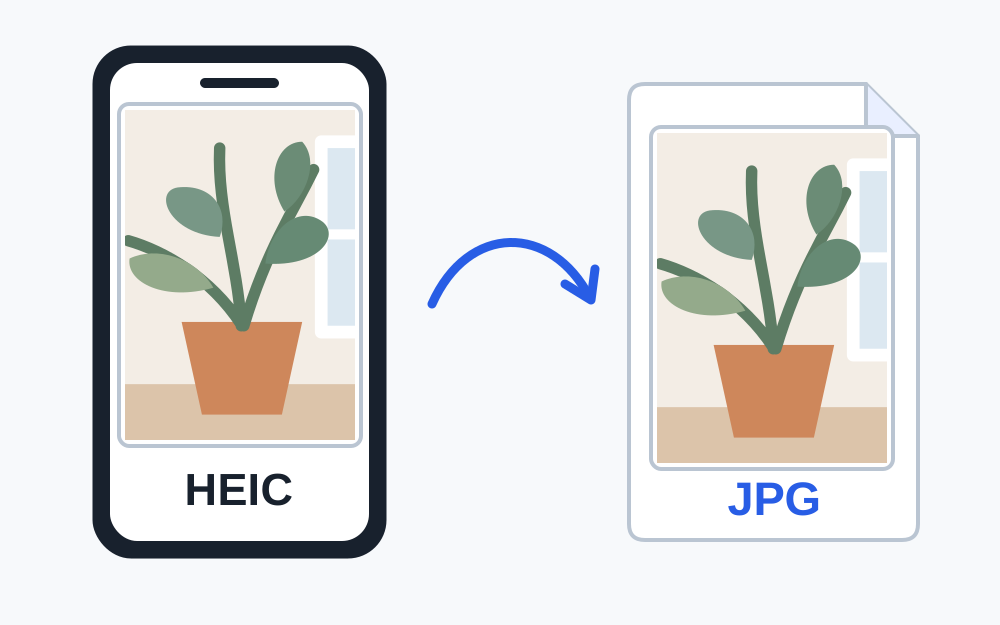
Confirm that HEIC is the actual problem
An iPhone photo can fail for several reasons, including size, dimensions, incomplete download or a problem with the receiving site. Do not assume that every image from an iPhone is HEIC. Read the error and check the selected file's information. A photo that has already been exported or shared may be JPEG.
HEIF describes an image container format, and .heic is a common extension for photographs stored using it. HEVC is associated with video coding and is not simply another name for a JPEG photograph. If your selected item is a video or a different kind of media, a still-image converter is not the appropriate route.
Use the current help for the exact upload field. A service may support HEIC through one app but accept a narrower list on a browser form. A successful upload elsewhere proves that the file worked there; it does not establish that every receiving system can decode the same file.
Create a separate JPEG when it is accepted
Choose the original in the HEIC-to-JPG tool and allow the browser to decode it. When processing succeeds, download the JPEG and open that downloaded copy. Make My Files Work performs this conversion on your device and checks the generated output before offering it. If decoding fails, it reports the problem rather than providing a renamed original.
Keep the source photograph until the submission is finished. The JPEG is an additional version for compatibility, not a replacement for your photo archive. Select it from the location where it was saved, and check the filename carefully if your device has added a number because a previous download already exists.
A converted JPEG may be larger than the HEIC original. Format compatibility and file size are separate questions. Measure the exported copy against the receiving site's limit and only apply further reduction if needed. There is no fixed percentage by which every HEIC photograph becomes larger or smaller.
What to check in the converted picture
Look at the orientation first. Make sure a portrait photo has not become sideways and that the visible subject has not changed. Compare small writing, facial detail and high-contrast edges at a useful zoom. A thumbnail can hide a loss of detail that becomes obvious when a document reviewer opens the image.
Colour and brightness can look different between applications or after a format change. If the photograph is evidence of a document or a product, compare the output with the original and avoid corrections that misrepresent it. For official identity photographs, follow the service's own rules on alteration; an ordinary conversion tool does not assess facial-photo compliance.
A HEIC item can include information or behaviour beyond a single still picture. Do not assume that an exported JPEG retains motion, additional images or every original metadata field. Use a still-photo workflow only when a still image is what the recipient requires.
Change future camera capture only when it suits you
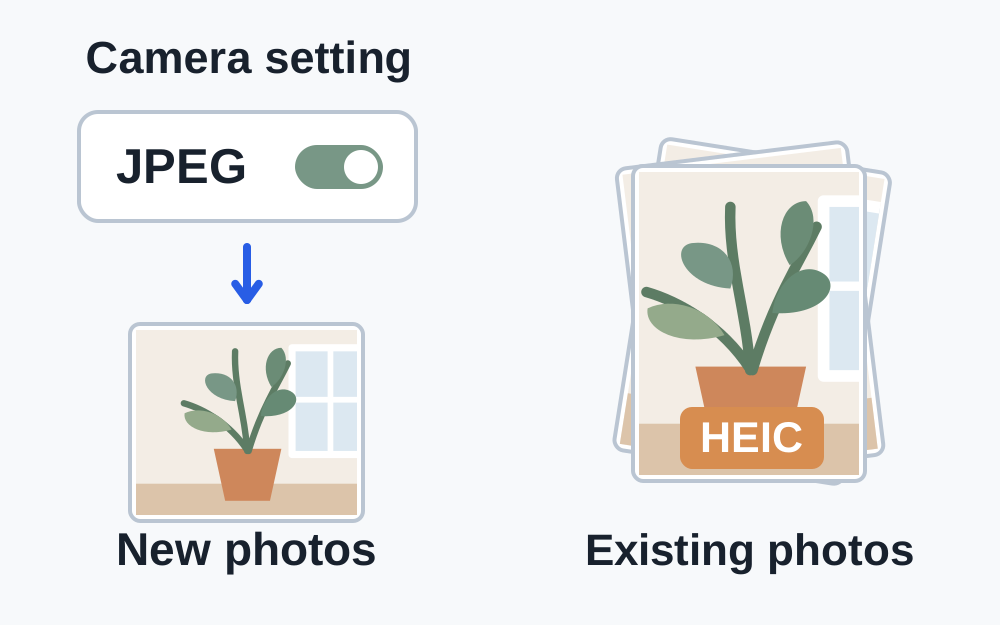
Apple documents a Most Compatible choice under Settings, Camera, Formats on supported devices. It changes newly captured photos to JPEG. That can be useful if your routine involves services that require JPEG, but it does not convert photographs that already exist in your library.
Changing a camera setting and then selecting an older photo can therefore produce the same HEIC rejection. Convert that existing item or take a new photograph when appropriate. Keep in mind that retaking an official or evidential photo may involve requirements beyond the format, such as showing a complete page without glare.
Apple also describes circumstances where sharing or transferring media may create a more compatible version. That behaviour depends on the route and receiving device. Check the resulting file instead of assuming that every email, cable transfer or share action always produces a JPEG.
An alternative export from an Apple computer
Apple's guidance explains that supported applications such as Photos or Preview on a Mac can export an HEIF image to another format. Choose an actual export format such as JPEG and save a new copy. Merely typing .jpg into a filename field is not enough if the application remains set to save the original format.
After exporting, inspect the saved file rather than relying on the application's preview of the source. Confirm which folder contains it and whether it has the expected dimensions. If you are working on a shared computer, take care with where private photographs are saved and remove unwanted working copies when you no longer need them.
When the browser cannot read the HEIC
A recognised HEIC signature does not guarantee that every browser can decode that particular picture. The source may use a variant that the available decoder does not support, or the item may be incomplete. Make My Files Work's basic inspector can identify HEIC without claiming to know dimensions that it cannot measure.
Try obtaining the complete original from the photo library before attempting conversion again. A cloud placeholder or interrupted transfer is not a usable substitute for the actual photo data. If the original opens normally in a trusted photo application, use its supported JPEG export. Do not keep changing the extension of an unreadable file.
Large decoded photographs also require working memory. Close unnecessary heavy tabs or try a capable device if processing runs out of resources, while keeping the input within the tool's 25 MiB per-file cap. This limit concerns the selected file, and a smaller encoded size does not always mean a simple image to decode.
If the JPEG is rejected as well
Re-read the new message. The original format issue may now be resolved while the exported copy exceeds a size or pixel limit. Check minimum dimensions as well as maximum dimensions before reducing it. Avoid sending the image through several messaging apps as an improvised compression chain.
If the actual JPEG meets the stated rules, investigate the upload session or ask the receiving service for help. Provide the recognised format, dimensions if available and measured size. Do not describe every later failure as an HEIC problem when the file you are now submitting is no longer HEIC.
Questions that come up
Will installing a HEIC viewer make the website accept my photo?
A viewer can help your device display the source. It does not change the receiving site's permitted formats or convert the file you submit. If the site requires JPEG, create and select an actual JPEG copy.
Is a screenshot a good replacement?
A screenshot can lose detail, include interface elements or capture only part of a picture. Prefer a proper export from the original. Use a screenshot only where the recipient permits it and the visible content remains suitable.