Start with the submission instructions
Confirm that PDF is accepted and note the maximum size for the particular attachment. A portal may give separate fields for a CV, a photograph and supporting evidence, each with different rules. Check whether several files are allowed or whether all pages must be combined into one document.
If the instructions specify a page limit, treat that separately from file size. Compressing a forty-page document does not make it a ten-page document. Similarly, changing page geometry is not the same as reducing bytes. Keep a short list of the actual conditions so that solving one does not distract you from another.
Measure the exact PDF you selected. An original scan and a later export can have nearly identical names. Record its current size before processing so you can assess the result accurately and avoid submitting an older copy by mistake.
Why one PDF can be much larger than another
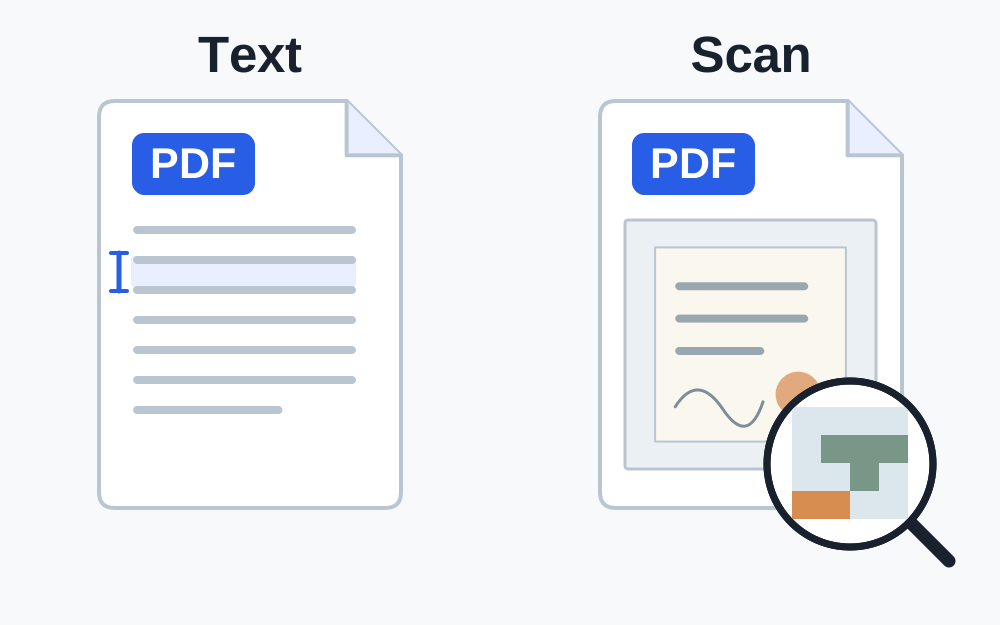
A PDF is a container for page content, not one fixed kind of data. It can hold text, fonts, pictures, drawings and other objects. A document exported from a word processor may be compact because much of the page is represented as text. A scan of the same page can store the entire sheet as an image.
Large colour photographs, detailed scans and repeated image resources can contribute substantial storage. Conversely, a PDF may already be efficiently compressed. Page count alone is therefore a poor predictor of file size or possible savings. A one-page colour scan can outweigh a much longer text document.
If you can select text in a viewer, that suggests some text information is present, but it does not prove the file contains no page images. Scanned documents can include an additional searchable text layer. Avoid making irreversible assumptions about the document just from a quick selection test.
What the compressor on this site actually attempts
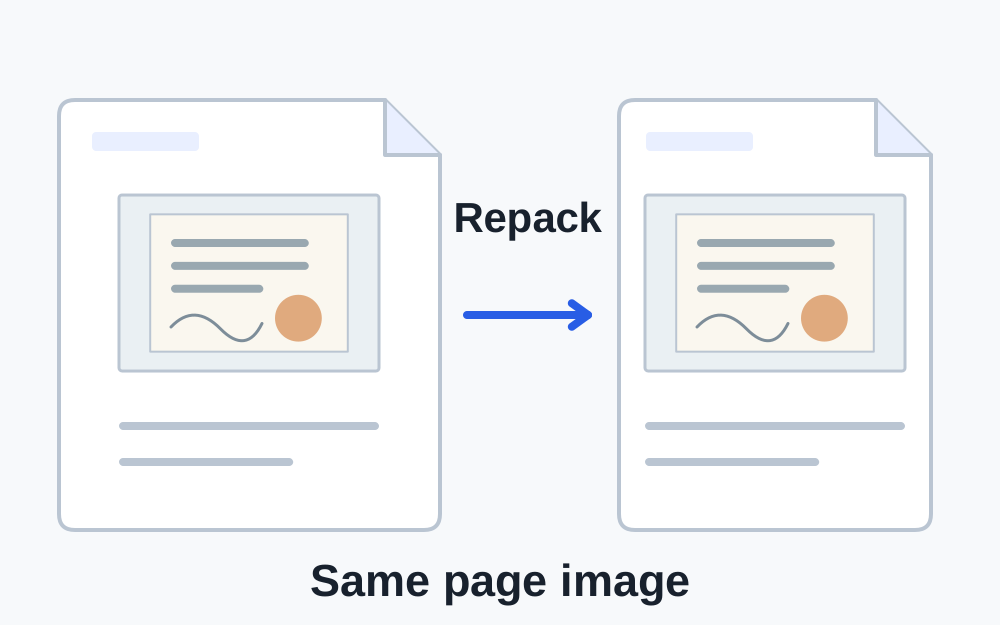
Make My Files Work reads a supported PDF and tries to save it more efficiently without deliberately rendering the pages as pictures. This lossless repacking can reduce overhead in some files. It does not expose a scan-resolution slider or aggressively downsample embedded page images.
If the repacked result is not smaller, the tool reports that outcome. A target-size tool also refuses to offer a supposed success when the checked file does not fall below its threshold. Those limits are useful: an honest failure tells you that this method is insufficient for this document.
Do not expect repeated runs on the same output to produce endless reductions. Once the method has done what it can, return to the source or choose an authorised alternative workflow. Keep your original PDF available throughout the process.
For scanned PDFs, review the source scan
If you created the scan, look at the original scanning or export options. Use settings appropriate to the required detail and follow any resolution or colour rules supplied by the recipient. Excessive resolution can add storage, but a low-resolution export can lose small text, faint stamps or fine lines.
Check whether colour carries meaning before choosing a greyscale or monochrome export. Highlighting, stamps, handwriting and official markings may depend on it. A setting that makes the file fit is not suitable if it removes information the reviewer needs.
Export a new copy from the best original rather than repeatedly recompressing a damaged version. Inspect the smallest text at reading size and zoom in on difficult areas. Check page edges and orientation as well as the main paragraph. Do not crop away evidence simply to save bytes.
Keep document features in mind
Some size-reduction methods can change forms, annotations, bookmarks, links or searchable text. Adobe's optimisation options illustrate that image compression and discarding document objects are separate choices. Decide which features the recipient needs before using an aggressive export elsewhere.
A digitally signed PDF deserves particular care. A visible signature on the page is not the same as a valid digital signature attached to the document. If verification matters, ask the issuer or receiving organisation for the approved way to submit a smaller copy.
Encrypted or password-protected PDFs are not supported for processing by Make My Files Work. Obtain an authorised suitable version instead of expecting compression to remove restrictions. If a file cannot be parsed, do not assume it is merely too large; it may be incomplete or outside the supported structure.
When splitting or removing pages is acceptable
Splitting can help only if the form accepts the resulting separate PDFs. Check how the recipient wants the parts named and ordered. A portal with one required attachment slot cannot necessarily accept several smaller pieces just because their individual sizes fit.
Remove a page only when it is genuinely not required and you are entitled to omit it. Blank pages can sometimes be meaningful in issued documents, and a cover sheet may contain reference information. Preserve the complete original and check the page sequence in every output.
If all pages are necessary and a readable version still exceeds the cap, ask for an approved alternative. The organisation may have another secure submission route or specific scanning advice. Do not submit incomplete evidence simply to obtain a successful upload message.
Verify size and readability together
Open the downloaded result in a PDF viewer. Check the total page count and read representative pages throughout the document, including pages with the smallest writing or most complex layout. For a short important document, review every page. A structural check cannot determine whether the information remains useful.
Compare the final byte count with the recipient's rule. Make My Files Work's preset targets use KiB and MiB calculations, even where common labels say KB or MB. A portal using decimal units may have a lower byte allowance. Where the exact cap is known, compare exact values or leave suitable headroom.
Choose the new output in the form, then look for the receiving service's confirmation. If it still fails while clearly within the limit, investigate the new error, format policy, protection or session. Further compression should have a reason rather than becoming an automatic response to every rejection.
Questions that come up
Can a PDF always be compressed below 1 MB?
No. The amount of information, existing compression and required readability set practical limits. The preset is an attempt, not a promise. A document that cannot meet the target needs an appropriate source export or guidance from the receiving organisation.
Will converting every page to JPG make the PDF smaller?
It may change the size in either direction and can remove useful document behaviour. A photographed or rendered page is not equivalent to the original text-based PDF. Use that route only when it is appropriate and accepted.