Follow the attachment stage in your application
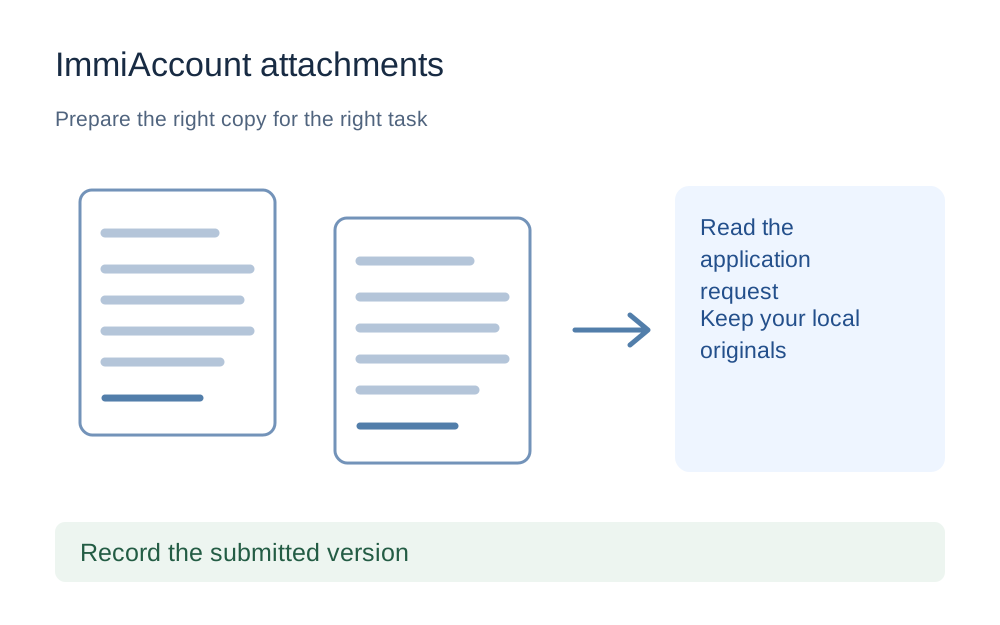
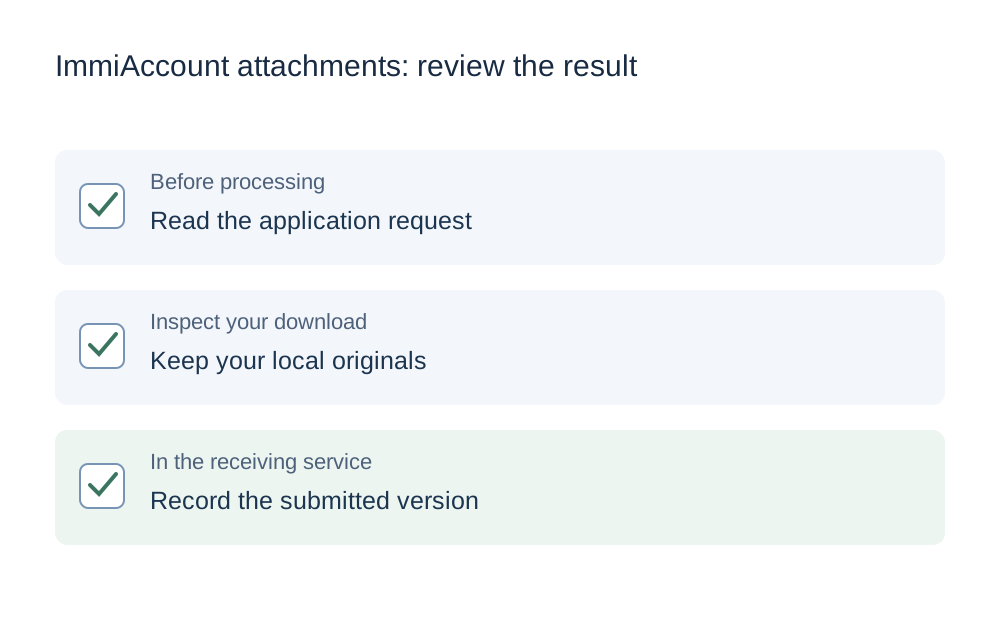
Open the correct application and read its document request. A form can specify when supporting material should be attached, so do not assume that every document must be provided at the same point. Check the applicant, document category and description before selecting a file from your device.
Home Affairs says documents cannot be attached to finalised applications. A file converter cannot change that state or reopen a completed application. If the account will not offer an attachment control, first establish whether you are in the correct stage and account rather than spending time producing smaller versions of a document with nowhere authorised to upload it.
Use the current field's size and format requirements
The reviewed Home Affairs guidance for attaching additional documents gives a 5MB file limit for that described upload route. Other instructions distinguish digital photographs from ordinary documents, so do not apply a document cap indiscriminately to a photograph field. Read the exact format and size wording alongside the item you are supplying.
This guide leaves the checker settings editable and asks you to enter the rule for the actual field. A number from another Home Affairs form is not automatically the right number for your application. If the instruction gives a maximum and a minimum, remember that a smaller file can still fail the minimum even when it comfortably fits the maximum.
Keep local copies before uploading
Home Affairs explicitly tells applicants to retain their own supporting-document copies because they cannot retrieve them from ImmiAccount after uploading. Make a private folder for the original material and a separate folder for the exact versions you submitted. Do not rely on being able to download the evidence again from the account later.
Give the copies names that distinguish the document, applicant and version without adding unnecessary private identifiers. Keep a simple local checklist with the upload date and category. This helps you answer a later request without guessing whether the file in Downloads is the same one you attached or a different preparation attempt.
Preserve the information the document is meant to show
For a scan, examine every relevant page and both sides where needed. Check that text, document edges and reference details remain visible. If a page is blurred or cut off, return to the source capture instead of trying to make the damaged version smaller. Compression is not a repair for missing information.
Do not change facts, remove inconvenient content or replace an original document with a retyped summary simply to simplify the upload. This website helps with technical preparation of authorised copies, not with deciding the evidence required for an immigration application. Questions about the contents or acceptability of evidence belong with the official instructions or appropriately qualified assistance.
Use PDF tools only where a PDF is appropriate
When several pages need to be supplied as one PDF, merge the intended pages and then verify their order. A successful export can still contain a duplicate page or omit a reverse side. Check the page count against the source documents before deciding the bundle is ready.
Be more cautious with completed official forms, digital signatures and interactive features. Repacking or editing a PDF can affect features beyond what a visual preview shows. Follow the form's own instructions rather than converting it to page images to chase a smaller size. Keep an untouched original and use an appropriate source application when a specialised form requires it.
Measure the output after conversion or compression
A change of image format can increase or decrease size. Measure the downloaded result rather than assuming a JPEG is always smaller than a PNG or a PDF is always smaller than a collection of photos. The compatibility checker compares the selected file with the actual numeric values you enter.
Pay attention to units. A decimal 5MB rule means 5,000,000 bytes, while a 5MiB calculation is larger. If the receiving page gives exact bytes, use that figure. Our fixed-size tools state their own targets, and not every existing tool uses the same convention. The new 3MB preset uses a strict decimal ceiling, but a lower target should only be used when the complete readable document can meet it.
Avoid duplicate submissions while investigating an error
If the upload fails, record the error and the stage where it appears. An immediate format rejection differs from a transfer that stalls. Check whether the account already lists the document before trying again. Repeated attempts can leave you uncertain about which version was submitted, even when each local file looks almost identical.
The additional-document guidance says not to resend documents already supplied. Use the official account instructions to distinguish a genuine new request from an item you have already attached. Do not email evidence as a workaround simply because an upload is awkward: Home Affairs' attachment guidance specifically tells applicants not to email documents through an alternative route.
Give technical support a useful, limited report
A technical report should identify the relevant application step, file format, byte size, browser and exact error. It does not need your complete passport or financial document in the first message. Use the official help route and avoid public posts that expose private reference numbers or account links.
Make My Files Work cannot enter your ImmiAccount, confirm receipt or change a deadline. Supported file processing happens locally in the browser, and you remain responsible for reviewing the downloaded copy. After preparing it, return to the authorised attachment route and complete the required steps. Keep the official confirmation with the local version that you actually supplied.
Questions that come up
Can I download my evidence from ImmiAccount later?
Home Affairs says you will not be able to access supporting documents from ImmiAccount after uploading, so keep your own copies. Store the exact submitted versions privately along with a record of the application and category. Do not depend on a later account download as your only backup.
Is the ordinary document limit also the photo limit?
Do not assume so. Home Affairs' instructions distinguish attachment types, and the receiving field may impose a different range for a photograph. Read the current requirements for that item, including any minimum. The guide does not turn one general size number into a rule for every attachment.
Can a file tool help when my application is finalised?
It can prepare a local file, but it cannot reopen the application or add documents to a finalised case. The official attachment guidance says documents cannot be attached after finalisation. Use the relevant official contact or process for your situation rather than repeatedly attempting a file conversion.