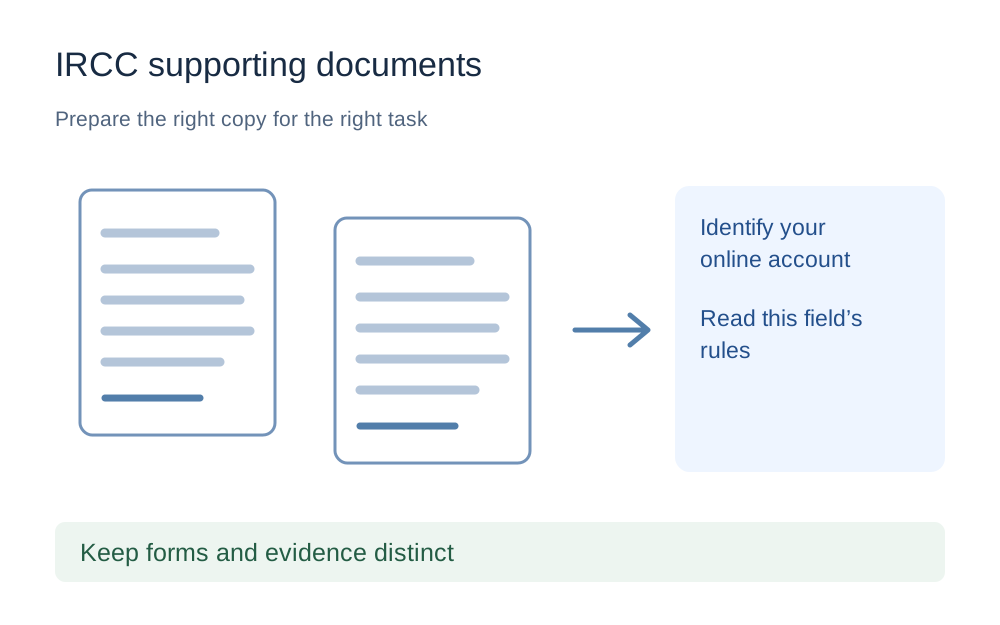
Identify the account before choosing a file limit
Read the service name in the account where the attachment is requested. An instruction copied from an online citizenship application may not describe a field in another IRCC portal. Save the page's current requirements for your own reference, including the maximum size, permitted formats and whether multiple pages must be submitted as one file.
This guide does not preload a universal 2MB or 4MB ceiling. Both account type and the specific task matter, and using an arbitrary number can make you reduce a document unnecessarily. Open the checker with the actual limit you have been given. If the page has no clear limit, consult the official help for that account rather than guessing from a forum answer.
Accepted formats differ between IRCC services
IRCC's format guidance lists different accepted types for its different accounts. Its secure-account list includes JPG, PNG, DOC, TIFF and PDF, while the IRCC Portal list also includes DOCX. Citizenship and permanent-residence services have their own described requirements. Read the relevant part of the help page instead of assuming that an extension accepted in one place works everywhere.
Make My Files Work does not process all those formats. Its local tools focus on supported images and PDFs, not editable office documents or every TIFF variant. If the receiving form requests a particular original document format, do not change it merely to use our checker. A tool's format limitation is separate from the receiving service's accepted file types.
Keep official forms distinct from ordinary evidence
A completed application form may contain fields or features that are important to the receiving process. Do not treat it as an ordinary photograph and convert it into a flat image just to reduce its size. Follow the form's own instructions for completion, saving and submission, and reopen the saved copy to check that the information remains present.
Supporting scans are a different case. A readable photograph of a requested document may be appropriate where the receiving instructions allow it, but that does not mean every official form can be replaced with a screenshot. Keep originals and prepared copies in separate folders so you do not accidentally attach a rasterised working copy in place of the required completed form.
Combine pages only when the upload field needs one file
If a field asks for a single document, establish which pages belong together before merging them. Arrange them in reading order, then check the output's page count. A combination that opens successfully can still be missing a reverse side, a translation or another page that the request specifically called for.
Do not merge unrelated categories into one oversized bundle simply because you have several files ready. The receiving checklist is the organising principle. When several documents must share one field, use the official instructions for that circumstance and keep a private note of the contents. Our PDF tools cannot determine whether an immigration evidence set is complete.
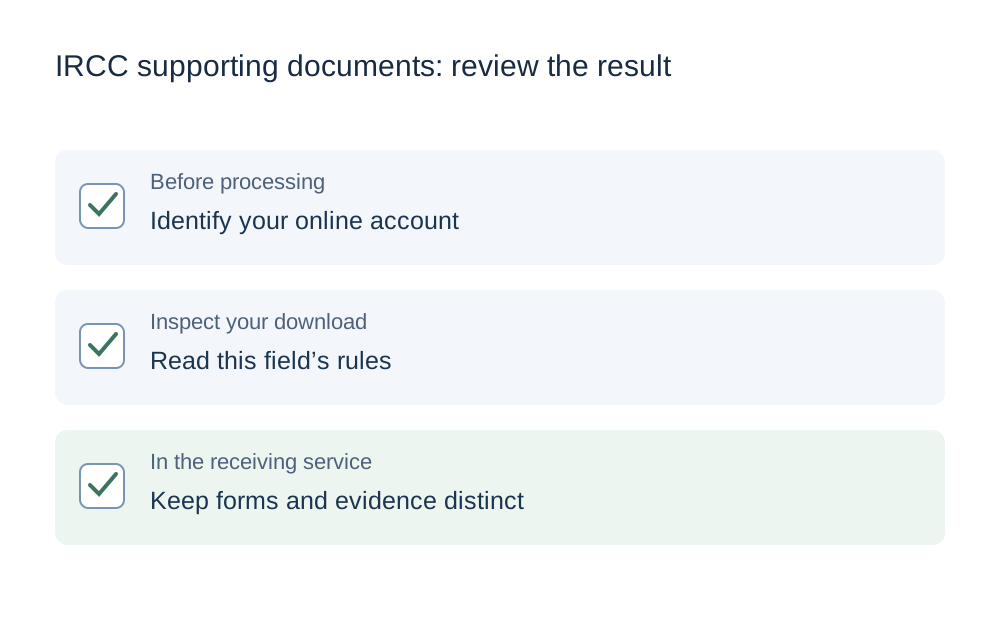
Measure the file before reducing it
Use the exact saved file's byte count rather than the rounded size shown beside a thumbnail. If the field specifies a decimal MB limit, select MB in the checker. If it supplies exact bytes, use those. A binary MiB value is a different calculation, so do not treat an apparently matching rounded number as proof that the file fits.
For a PDF, lossless repacking is a reasonable first attempt where editing is appropriate. It may reduce structural overhead without making every page an image, but an already efficient or scan-heavy document may not shrink enough. The tool reports an unreachable target rather than offering an oversized file as if it had passed.
Keep document detail readable after preparation
Examine names, dates, stamps and small print on the downloaded result. Check at a size where a person would actually read the page, not just in the miniature preview. Large reductions can make a scan fit the upload field while leaving the information difficult to interpret, which defeats the purpose of supplying it.
If the source capture is poor, return to it. Straighten the document on a flat surface, avoid glare and include the relevant edges. Do not attempt to reconstruct obscured words or change the content to make it clearer. The task is to produce a faithful, readable copy through the permitted method, not to alter the evidence.
Know what a file checker cannot verify
This checker can inspect supported file signatures, size and available image dimensions, and the PDF tools perform structural checks. It cannot establish the authenticity of a document, confirm that a translation meets a requirement or decide whether a particular item belongs in an immigration application. Those questions need the official instructions or appropriately qualified assistance.
A passing result also does not prove that an account has received the file. Return to the IRCC service, choose the intended download and complete the upload step. Where there is a preview or saved-file list, compare it with your local checklist. Keep any official submission confirmation separately from the copies generated by our tools.
Report an upload failure with the useful facts
When a prepared file still fails, note the account type, field label, file format, exact bytes and full error message. Include whether the error appears immediately or after a transfer has started. That distinction helps separate an input restriction from a browser, connection or session problem without exposing the document itself.
Use IRCC's appropriate technical-help route for the account in question. Do not post passports, financial documents or private account links in public troubleshooting discussions. Make My Files Work is not affiliated with IRCC and cannot read your application or reopen a submission. Its local processing avoids sending selected source files to our server, but you still need to protect the copies on your own device.
Questions that come up
Is every IRCC document limited to 4MB?
No single limit should be assumed across IRCC's different accounts and upload tasks. Check the actual field and the official help for that service. This page deliberately leaves the size setting blank until you supply the rule that applies to your application.
Should I convert a completed form to JPG?
Not unless the official form instructions specifically allow that submission method. A form may depend on features that a flat image cannot preserve. Keep the completed original and follow the required saving and upload steps. Image conversion is not a substitute for properly completing an application form.
Can I reduce a protected PDF here?
Encrypted or password-protected PDFs are not processed by these tools. Obtain a suitable authorised copy through the document's issuer or the permitted source workflow. Do not try to bypass a restriction or assume that the receiving service will accept an altered version just because it is smaller.