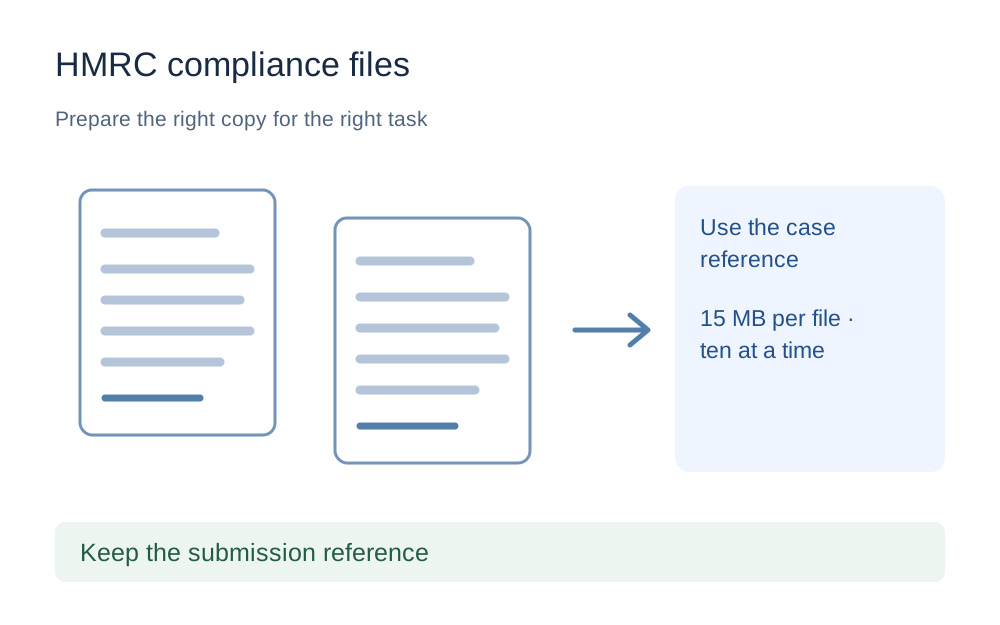
Use the service named for your compliance check
The official service reviewed here is for people who have received a request for additional information from HMRC's compliance team. It is not a replacement for every HMRC evidence or identity service. Check the link and the letter before uploading, particularly if you have several unrelated matters open in your records.
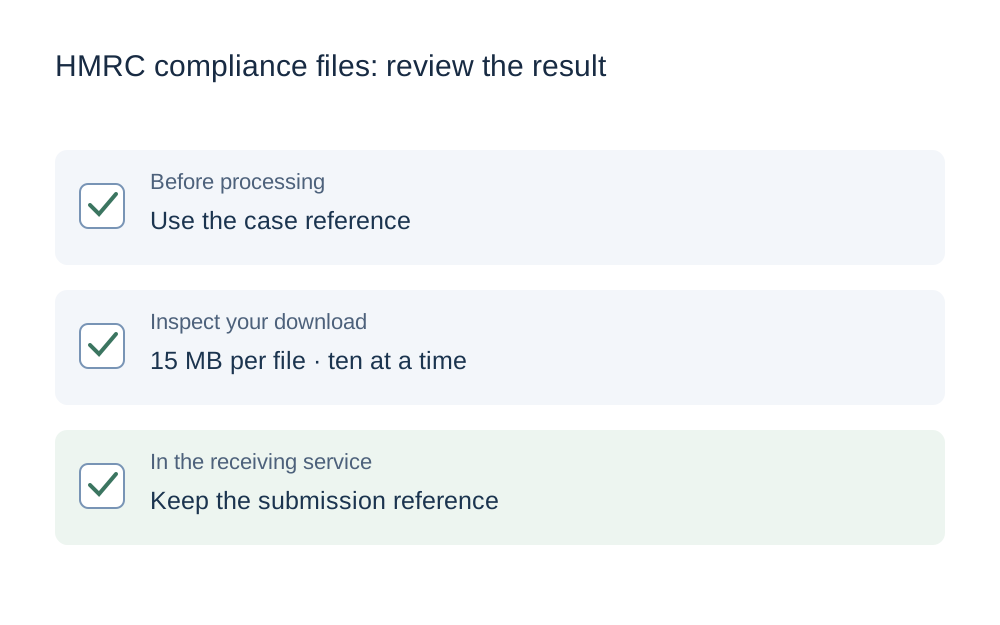
Keep the case reference exactly as provided. A technically valid attachment sent against the wrong reference may not reach the intended case promptly. This guide does not advise on what response you owe or whether a document establishes a tax position. Follow the request and seek appropriate professional advice for substantive questions rather than treating file preparation as that advice.
Understand the two separate upload limits
HMRC's guidance gives a 15MB maximum for each file and allows up to ten documents in one submission. A set of eleven very small files can therefore need a different submission arrangement from one large file. If more than ten documents are required, the guidance says to submit groups of ten or fewer.
The checker link loads a conservative 15,000,000-byte ceiling for one file. It does not count the documents in your HMRC submission or claim that a small ZIP bypasses the document-count rule. Keep a simple checklist of the files and the group in which you intend to send them. The individual size and the submission count should be checked separately.
Do not turn every requested file into a PDF
The official accepted-format list includes PDF and JPEG, but also XLSX, ODS, DOCX, ODT, PPTX and ODP. That matters when the request concerns a spreadsheet or another editable record. Converting everything to PDF can remove structure or features that the requested file was meant to preserve.
Make My Files Work does not process every format on that list. Use the PDF and image tools only where those formats are appropriate. For a spreadsheet or office document, inspect the original in the relevant application and follow HMRC's instructions. A limitation of this website is not a reason to change the form of evidence without checking whether that is suitable.
Check the contents of the exact saved copy
Open the file you intend to upload, not merely the source application that produced it. For a PDF export, check page breaks, column headings and any totals that may have been pushed onto another page. A spreadsheet converted badly to PDF can appear to have the right filename while omitting the right-hand columns of a table.
For scanned records, inspect the smallest relevant characters. Make sure the requested dates and page sequence are visible. Avoid removing apparently blank pages if they are part of a document whose completeness matters, and do not redact or alter the evidence solely to make an upload easier. Questions about the requested content belong with the compliance team or your adviser.
Reduce an oversized PDF with a reversible workflow
Work on a copy and retain the original. The PDF compressor attempts lossless repacking, then checks the resulting structure and size. It may have little effect on a document that is already efficiently stored. Repeatedly processing that same file does not create a new opportunity to remove large embedded scans without another kind of preparation.
When a source export is available, review its settings rather than turning pages into screenshots. The aim is a complete readable document within the limit, not the fewest possible bytes. If the file cannot reasonably meet the cap, use the official contact route to establish a suitable way forward instead of deleting required pages or changing the evidence format on your own initiative.
Keep groups and filenames understandable
Give your working copies names that distinguish the period and subject without exposing unnecessary private information. When several documents have similar titles, include enough context to prevent choosing the wrong version. A checklist kept locally can record which file was included in each group of uploads.
Do not assume that a ZIP generated by a compression tool is accepted by HMRC's document uploader. ZIP is not in the published format list for this service. If you use our batch tool to collect prepared copies, extract them first and check each individual document. The archive is a download convenience, not an instruction to change how HMRC wants evidence supplied.
Check submission rather than just file selection
Selecting an attachment in a file picker only chooses a local file. Complete the receiving service's steps and review its confirmation. HMRC's guidance says this service sends a confirmation email with a submission reference. Keep that reference with your private checklist, especially when the requested documents were sent in more than one group.
If the expected confirmation is missing, check the status and contact instructions in the official service before repeatedly sending the same files. Record the time, selected documents and any error wording. A local conversion success message cannot prove that HMRC received a submission or matched it to the correct compliance reference.
Share only the information needed for technical help
An upload troubleshooting message can usually begin with the file type, exact byte size, browser and error. It should not require you to paste tax records, financial account details or the contents of a compliance letter into this website's support form. Use the official secure route for requested evidence.
This site is independent of HMRC. Its tools cannot access a case, verify a tax response or extend a deadline. They operate on supported files locally in your browser and leave the original unchanged. Treat the final file as a prepared copy to review, then submit it only through the appropriate service with the correct case details.
Questions that come up
Is 15MB the limit for every HMRC upload?
No. This page covers the published compliance-check document service described in the source, not every HMRC process. Another form may have different rules. Check which service the request names and use that service's current attachment instructions before applying a preset.
Can I combine more than ten documents into a ZIP?
Do not use ZIP as a workaround. It is not in the service's published accepted-format list. HMRC's guidance says to submit more than ten documents in groups of ten or fewer. Keep the individual files in the requested formats and retain the submission references for your records.
Should I compress a spreadsheet using the PDF tool?
No. The PDF compressor cannot process an XLSX or ODS file. Do not convert a spreadsheet just to fit the tool when HMRC has asked for the original kind of record. Use the appropriate source application and ask the compliance team about any genuine file-size difficulty.