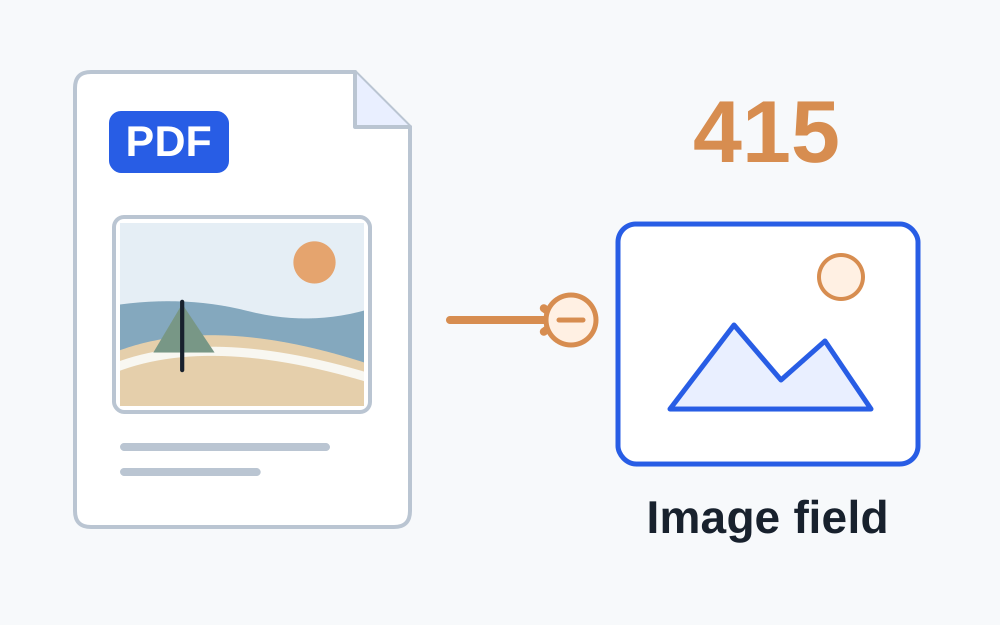
Read the whole error before changing the file
Look for more detail next to the status code. A message naming JPEG, PDF or an accepted list gives you something useful to check. A bare 415 code does not identify the offending attachment or prove that your document is damaged. Record the page and the upload field, particularly when a form contains a photograph field and a separate document field.
Check that you have selected the right kind of item for that field. A supporting document box might accept PDF while a profile photo box expects an image. A PDF containing a photograph is still a PDF. Conversely, an image of a document remains an image until it has been genuinely exported into a PDF container.
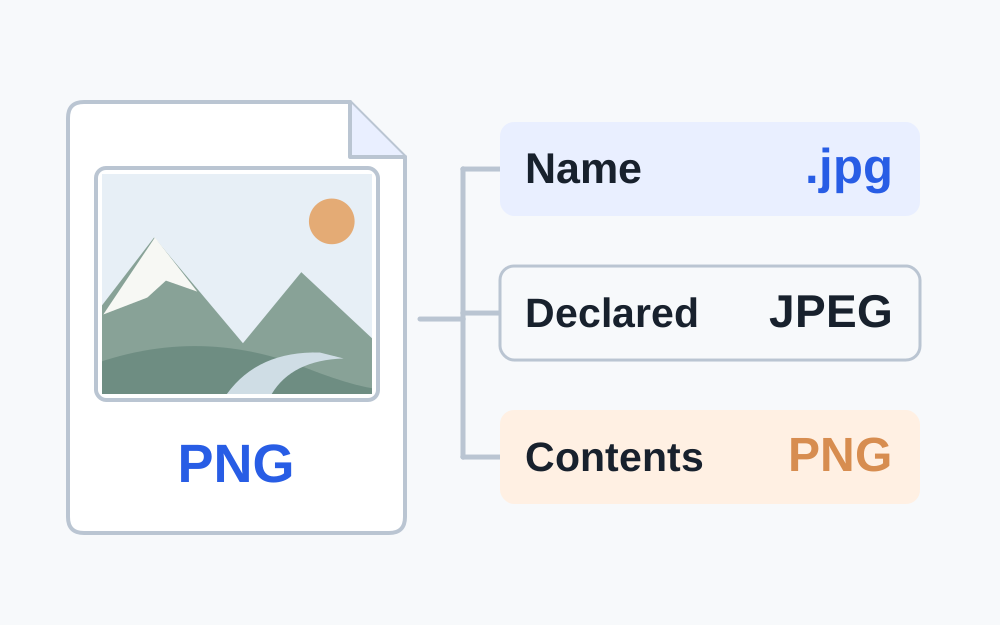
The extension is only part of the story
The last part of a filename is a label. Changing holiday.heic to holiday.jpg does not convert the encoded picture. A website can read the contents and discover that the label is wrong, even when the file picker let you select it. Use a real conversion when the original format is unsupported.
Make My Files Work can recognise the signatures of JPG, PNG, WebP, GIF, HEIC and PDF in its basic file inspector. It compares the recognised format with the extension and the allowed formats you supply. An unknown result means this checker cannot establish a supported signature; it does not establish that every possible file format is invalid.
Some formats have more than one ordinary extension. JPG and JPEG name the same image format, so a difference between those two labels is not the same problem as a WebP renamed to JPG. The receiving website may still implement a narrower filename rule. Follow its actual instructions after establishing what the bytes contain.
Why the browser can give misleading type information
A selected file can have a declared media type, such as image/jpeg or application/pdf. This is useful descriptive information, but it is not independent proof of its contents. Browser file type information may be inferred from the filename. That is why a content-based check and a filename check answer related but different questions.
The HTTP request also has its own content description. A form sending several fields and a file commonly packages them together. If the website describes that package incorrectly, the receiving endpoint can refuse it even when the attachment is a perfectly ordinary JPEG. As a visitor, you should not need to edit request headers to submit a normal application.
Convert only into a format the destination accepts
For a HEIC photo rejected by a JPG-only field, create a JPEG copy and check that copy before choosing it in the form. For a transparent PNG or WebP, consider what should replace the transparent areas if you convert to JPG. Text or a logo that looked fine on a transparent canvas can become unclear against an unsuitable background.
For document uploads, prefer an export from the original document application when PDF is required. Simply changing .docx to .pdf is not an export. Make My Files Work does not offer a Word document converter. If you only have an image, its JPG-to-PDF or PNG-to-PDF tool can create a PDF, but that will not create selectable text or prove that the receiving organisation accepts scanned content.
Open the resulting file and inspect it. Check every page of a short document, the edges of an image and any small text. Conversion can change file size as well as format, so recheck the destination's maximum size. A format correction may expose a separate size problem that was previously hidden behind the 415 response.
When the original file is already the right format
If the genuine format and accepted list agree, first try selecting the file again in a fresh instance of the form. Save any unsent answers before reloading. A partially completed file selection or expired page can make diagnosis confusing. Note whether the failure happens immediately or only when you submit the complete form.
Try another browser supported by the organisation, if one is available, and keep the file unchanged for that comparison. Changing the browser and the document at the same time makes it harder to know which difference mattered. Do not disable your device's protection or install an unfamiliar extension just to force an upload through.
A site-specific policy may reject features within an otherwise accepted format. A PDF could be encrypted, or an image could exceed an additional limit. Only the receiving service can confirm its complete rules. Ask for the actual reason rather than repeatedly making lower-quality copies in the hope that one will pass.
Useful information for support
Explain that the response says 415, name the upload field and list the recognised format and extension. Include the file size, your browser and the approximate time. Say whether the problem happens with one particular document or every permitted file you try. This helps support distinguish an attachment problem from a faulty endpoint.
Keep private material out of the initial report. A screenshot of the error and a description of the file are often enough to begin investigating. If a sample is requested, ask whether a harmless test file can demonstrate the problem. Use the organisation's approved secure channel for any real evidence it needs to inspect.
If you maintain the upload form
Compare the request the browser sends with the endpoint's documented expectations. Check the request media type, any content encoding and the file-validation response. A 415 can result from an unsupported encoding as well as an unsupported media type. The diagnostic evidence should come from the failed request and server logs, not just its filename.
For a multipart form, let the browser construct the package correctly rather than manually inventing an incomplete content description. Keep checks on the server; a file picker's accepted-types setting is only selection guidance. Return a message that identifies the failing field and its permitted formats without exposing sensitive server details.
Questions that come up
Is a 415 error the same as an unsupported file extension?
An extension restriction is one possible cause, but 415 is broader. The server may reject the request's media type, encoding or contents. Checking the real format helps with the file side; a correctly formed file cannot repair a broken upload request.
Will a ZIP file solve unsupported media type?
A ZIP changes the submitted container to an archive. It only helps if that upload field explicitly accepts archives. For a JPG-only or PDF-only field it introduces another unsupported type, even when the original document is stored inside.
Can a file pass the checker and still receive 415?
Yes. The checker compares properties it can measure with rules you entered. It cannot reproduce the receiving site's complete processing or examine the request created by its form. Share the measured facts with support if those rules appear to match.