Start with the evidence request in the account
Read the request carefully and identify the document, person and period it concerns. A student and a parent or partner may be completing different parts of the process. Do not assume that a document uploaded through one person's account answers an outstanding request in another. Follow the instructions addressed to the person supplying the evidence.
Put the request beside the files you are preparing. That helps you notice when a statement covers the wrong dates or when a document belongs to an earlier application. This page does not decide which evidence is necessary for funding; it helps you prepare a readable technical copy once Student Finance England has told you what to provide.
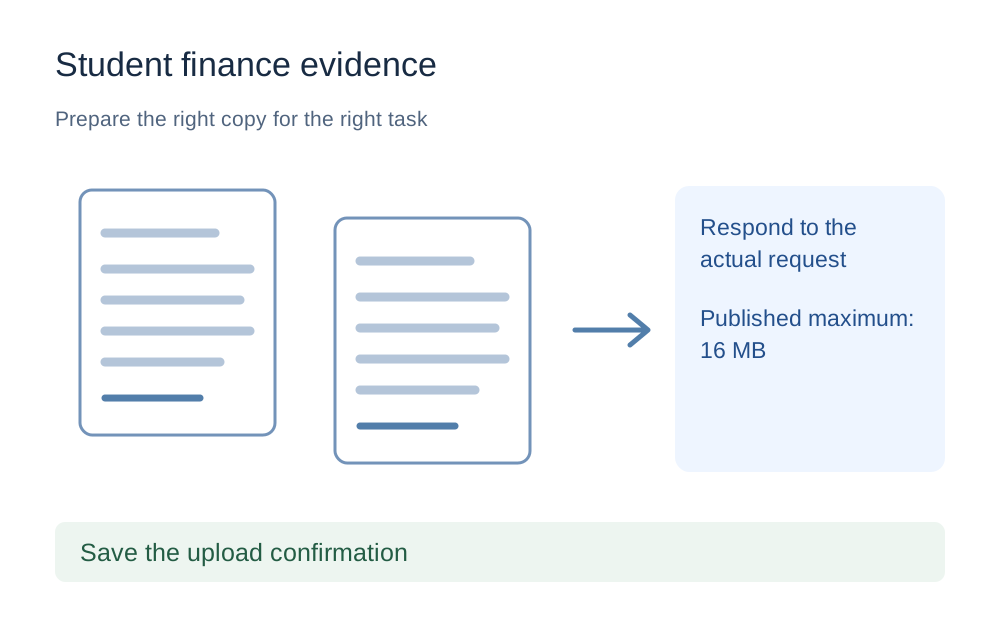
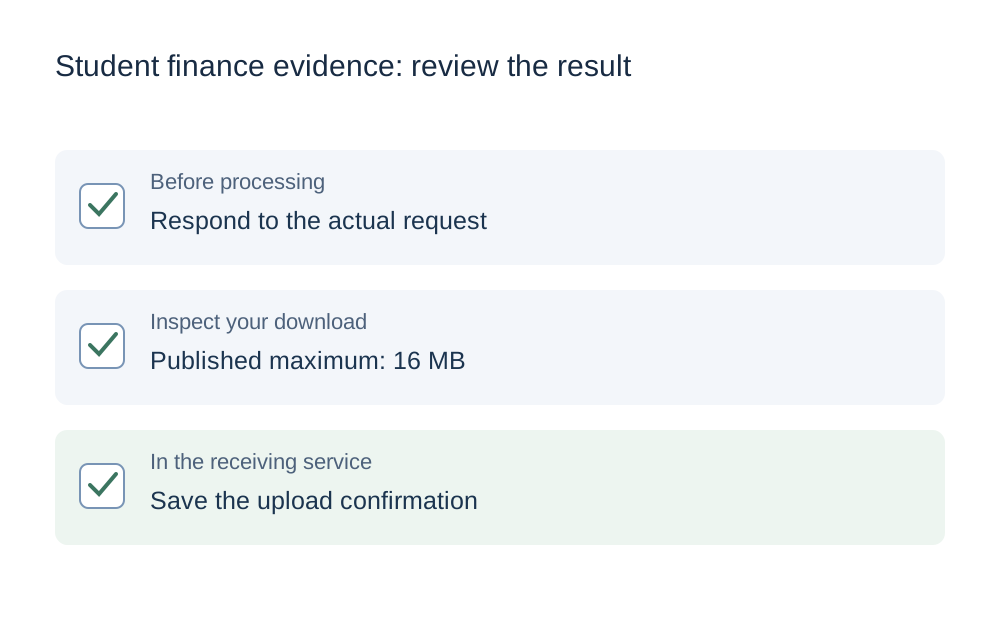
The published size limit is 16MB
The reviewed Student Finance England guidance gives a maximum of 16MB for uploaded documents and says they should not be password-protected. The guide's checker link uses a conservative decimal ceiling of 16,000,000 bytes. It does not claim that the source explains the precise byte multiplier, so use any more detailed limit displayed in your account.
A file well below that ceiling may need no compression at all. Check its readability before changing it. Reducing an already suitable evidence file can introduce unnecessary quality loss, especially if it contains scans of small print. The useful question is whether the requested document is complete and within the actual upload rules, not whether you can make it as small as possible.
Check every page of a scanned document
Open the saved scan, enlarge it and look at the faintest or smallest information. A clear first page does not prove that a later page was captured correctly. Check dates, headings, totals and any identifying information that the request needs to show. Do not remove relevant pages just because a shorter PDF is easier to upload.
When the scan came from a phone, look for shadows, reflections and cut-off corners. Retake an incomplete page rather than trying to repair the missing information in an editor. Keep the replacement page with the rest of the document and verify the sequence again after merging. The preview should help you inspect the copy, not substitute for reading it.
Use a supported format without inventing a restriction
The official size guidance is not a reason to assume that every evidence field accepts exactly the same file types. Read the format instructions in your account before converting. The preset here provides a size ceiling, not a fabricated list that could wrongly tell you an accepted original format is forbidden.
Our checker handles supported images and PDFs. If the receiving instructions ask for a format outside those tools, keep the requested format and use a suitable application to inspect it. Do not turn an editable document or a structured form into screenshots simply to make it compatible with this website. The receiving service's requirements come first.
What to do with a password-protected file
Documents downloaded from a bank or another issuer can be protected. If a file asks for a password when opened, do not assume that the upload service can read it just because you can. The official guidance excludes password-protected evidence, and the PDF processing tools here also refuse encrypted input.
Obtain a suitable authorised copy using the issuer's permitted download or export options. Avoid sending passwords with the document or posting them into a support form. If you are unsure whether an alternative copy is acceptable, ask Student Finance England through the official account or contact route rather than altering the evidence and hoping it passes.
Reduce size without making the evidence harder to read
For an oversized PDF, try lossless repacking before more disruptive changes. This tool checks that the output remains a readable PDF, but it cannot guarantee a substantial reduction. A file made mainly of large page images may need a more efficient scan or source export. Keep the original so that another preparation attempt starts from the best available copy.
When an image needs reducing, inspect the downloaded result carefully. Fewer pixels can make numbers or punctuation unclear even though the file now fits. If a multi-page document has become several separate images, make sure that arrangement matches the upload request. Compression should solve an actual size issue without creating a missing-page or illegibility problem.
Do not mistake a slow status update for a failed upload
Student Finance England's guidance warns that an action list may not update as soon as evidence is uploaded. That does not mean you should immediately upload the same document again. Read the confirmation shown at the time of submission and keep a note of what you sent, from which account and when.
A duplicate can make your own records harder to follow and does not prove the first submission was missing. Check the official account guidance on evidence and current processing information before deciding that another copy is needed. If there is a clear upload error rather than a delayed status change, record the wording and investigate that specific failure.
Keep private evidence out of general support messages
For technical help, describe the file format, measured size, account step and error message. Do not include financial records, passwords or full identity documents in an initial message to this website. Make My Files Work cannot access a student-finance account, confirm receipt of evidence or change an application status.
The file tools work locally in your browser, while the final evidence still needs to be sent through the official route. After downloading a prepared copy, select that exact file in the receiving account and complete its submission steps. Keep your original and the official confirmation in a private folder rather than relying on a browser download notification as proof that the evidence was submitted.
Questions that come up
Should I upload evidence before it is requested?
Follow Student Finance England's instructions and supply the evidence it asks for. A file-preparation tool cannot decide what your application needs. Sending extra documents simply because you have them available is not a substitute for responding to the actual request in the correct account.
Why does my action list still show an evidence request?
The official guidance says the list may not update immediately after an upload. Check the submission confirmation and account guidance before resending. A delayed status is different from a clear transfer error, so keep a note of the original upload and avoid assuming that it failed.
Does a 16MB check prove the evidence is acceptable?
No. It measures one technical condition using the selected byte convention. The document must still be the requested evidence, complete, readable and in an accepted format. Student Finance England, not the checker, determines how the material is used for your application.