Use current requirements rather than an old federal-resume template
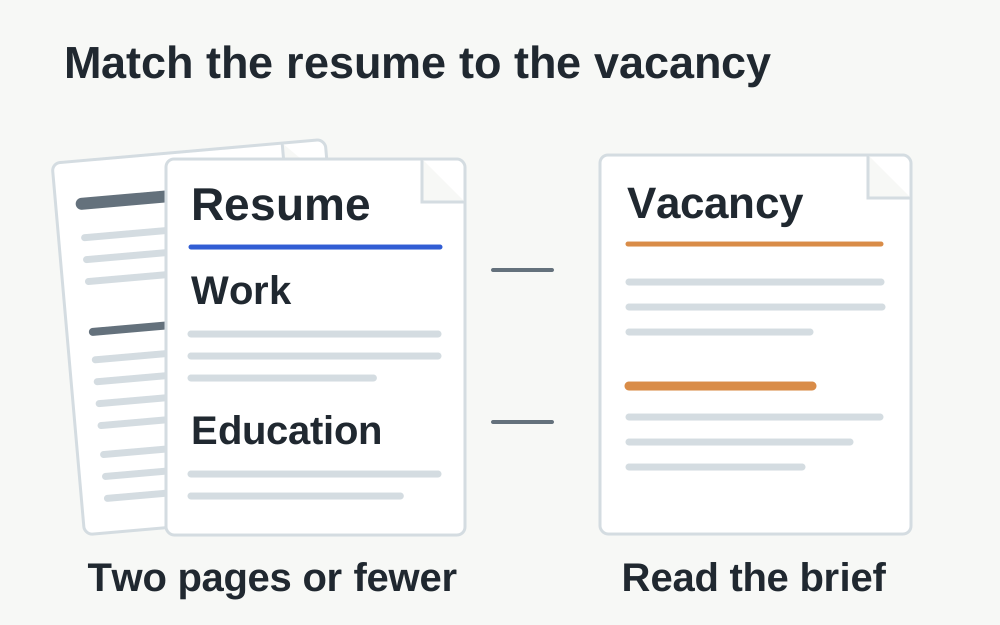
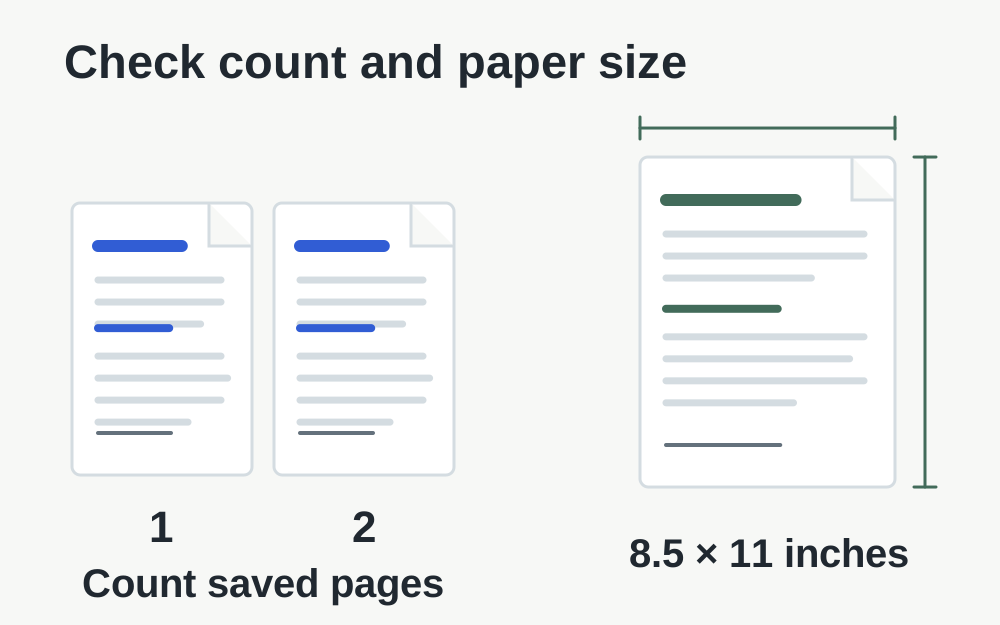
USAJOBS states that resumes uploaded or built in the service must be two pages or fewer. It recommends PDF to preserve formatting, accepts several other listed formats and does not accept PDF portfolios. Its resume guidance specifies a maximum file size of 5MB and standard 8.5 × 11-inch pages. These official requirements were checked on 14 November 2026.
Older advice about very long federal resumes can therefore lead you towards a file that the current system will not accept. Use the linked official pages and the vacancy's current instructions. This guide covers preparing and checking the file; it does not determine eligibility, assess qualifications or replace the agency's instructions about the information to include.
Edit the source to meet the page limit
If the resume is too long, revise the editable document rather than deleting final PDF pages blindly. A removed page may contain dates, relevant duties or qualifications needed for the vacancy. Decide what belongs in the resume by reading the announcement and reviewing your content. Technical page deletion cannot make that editorial decision for you.
Do not shrink text to an unreadable size simply to force it onto fewer pages. Reconsider repeated descriptions, unnecessary decoration and material that is not relevant to the application, while preserving accurate information. After revising, export a fresh copy and count its actual pages. A document that appears to be two pages in the editor can gain a blank page during export.
Check the saved PDF's page count and geometry
Open the exact PDF that will be selected for upload. Inspect the first and last pages, then look for a trailing blank sheet, a single line on an extra page or an unexpected paper size. The PDF page-size checker can report measured page count and dimensions for a supported readable document. It cannot decide whether the resume contains the information the vacancy requests.
Changing PDF page dimensions is not the same as reflowing the text. A page-resizing tool can alter the page canvas or scale existing content, but it does not rewrite a three-page resume into a well-edited two-page document. Use the source application to control margins, line breaks and layout, then review the result as a reader would.
Keep text clear and available to the reader
A clean PDF exported from a word processor is different from a photograph of a printed resume saved inside a PDF. The photograph may be readable at a glance but difficult to search or copy. If you have the editable source, export directly from it and inspect a few selected lines to check that the text has survived normally.
Review role dates, employers, contact details and qualifications carefully after export. A missing font or unexpected line break can change meaning or hide information. Check that a list continues in the right order and that headings stay with their content. These checks help the human reader and avoid submission mistakes, without promising a particular automated screening result.
If the resume exceeds 5MB
Find out what is making it large. A short text document with embedded photographs or full-page background artwork may use far more data than necessary. Removing decorative imagery in the source can produce a cleaner document as well as a smaller one. Keep an untouched source copy so you can compare versions and undo an unsuitable change.
The local PDF compressor attempts lossless repacking. It may not reduce a scan much and cannot guarantee a particular target. If an export remains too large, adjust the source document or use a suitable PDF export setting, then check all pages again. Do not sacrifice legibility or required content merely to obtain a smaller file that passes the initial upload.
Recognise a PDF portfolio or protected-file problem
USAJOBS explicitly excludes PDF portfolios. A portfolio is not simply a long ordinary PDF; it can be a container for separate documents. If your software has created one, export the intended resume as a normal standalone document. Make sure the file opens directly to the pages the reviewer should see rather than presenting a collection of attached items.
Avoid assuming that merging or renaming an unusual PDF will resolve every incompatibility. Our PDF operations refuse unsupported or encrypted inputs rather than bypassing restrictions. If you are working from your own source, produce a suitable ordinary export there. For a document supplied by somebody else, obtain an appropriate copy from its owner rather than trying to defeat its controls.
Select the correct version in your profile
USAJOBS lets you keep multiple resumes in your profile, so clear naming matters. Identify the version prepared for the relevant vacancy and review it before applying. A technically suitable file can still be an old version with the wrong emphasis or outdated contact information. Do not rely on the upload date alone if you recently copied or renamed older files.
The official profile workflow includes completing the upload, and updating a previously uploaded resume requires a new file. Check that the new version has actually been added and that the application selects it. Keeping several near-identical filenames creates avoidable uncertainty at the point when you should be reviewing the substance of the application.
Distinguish the profile from the agency application
Some applications pass you to an agency's own system. USAJOBS notes that an agency may request the resume there rather than accept documents through the usual pre-application step. Follow the receiving system's instructions and check the attached document list again. A successful profile upload does not prove the agency has received the intended file.
Read the announcement's required-document section and the final confirmation carefully. Supporting documents are not automatically part of the resume, and combining unrelated evidence into it can cause both page-count and organisation problems. Use the appropriate document fields and keep a record of the submission confirmation provided by the official application process.
When a conforming file still will not upload
Check the exact error, confirm that the file opens locally and verify that a cloud-storage copy has finished downloading. Save progress before trying a fresh session or another supported browser. If the error mentions length, check the exported page count instead of only its size. If it mentions the format, confirm that the extension reflects the actual document.
Make My Files Work can inspect selected supported files locally and offer certain validated outputs. It cannot access your USAJOBS account, submit an application, verify vacancy requirements or guarantee acceptance. When asking the official service for help, provide the error, file type, measured size and page count without disclosing unnecessary personal information in a public forum.
Questions that come up
Can I upload a longer resume because it is under 5MB?
The size limit and two-page limit are separate. A compact longer document can still fail the current resume requirement. Revise the editable source against the job announcement, export again and check the saved page count rather than relying on a small file size.
Should I delete pages until the resume fits?
Only remove material after reviewing what the vacancy requires. A page tool does not know which experience or qualification is necessary. Editing the source lets you preserve a coherent document and control page breaks. Check the resulting resume's meaning as well as its measurements.