Two Etsy articles describe the size differently
Etsy's general image guide recommends a 500 × 500 pixel logo. Its more specific About-section editing instructions say the logo must be at least 500 × 500 pixels, smaller than 10MB, and a JPG, PNG or GIF. Use those stricter upload instructions when working in that editor. These sources were checked on 14 November 2026.
This distinction matters because a recommendation is not normally the same as an acceptance rule. Here, a separate official page states the minimum explicitly. Do not rely on old advice that a tiny logo merely falls short of a preference. Check the message next to the actual logo field, and follow updated instructions if Etsy changes that interface.
Check that you have selected the logo, not another shop image
Shop branding files often sit together: a wide banner, a profile photograph, a receipt image and several logo versions. Before changing anything, open the file and confirm that it is the square mark you intend to use. A wide banner squeezed into a square can make lettering look narrow and leave decorative details too small to recognise.
Use a meaningful filename that identifies the export, such as shop-logo-square, while keeping your editable artwork separate. A similar name is not evidence that two files are identical. Compare pixel dimensions and modification dates if the folder contains several versions. This avoids troubleshooting an old low-resolution copy after you have already produced a suitable new one.
Pixels describe the image; megabytes describe its storage
The dimensions checker can tell you whether a supported image is square and how many pixels it contains. A 500 × 500 image has the same width and height, but two exports at those dimensions can have different file sizes. Flat artwork, a detailed texture and a photograph all compress differently. Do not treat the MB figure as a measure of design quality.
If your source is 160 × 160 pixels, saving it as a 500 × 500 file adds pixels without restoring fine detail. Start again from the original artwork or a higher-resolution export if possible. If you only have the small bitmap, simplify the design at source or obtain the original from its creator. Repeated sharpening may make rough edges more conspicuous.
Choose an export that suits lettering and edges
PNG is often a useful starting point for a logo with flat colours, sharp lines or small text because it avoids JPEG's lossy encoding. JPEG can still be suitable for photographic branding or a solid-background design, but inspect high-contrast edges after export. A small reduction in file size is not worth a visible halo around every letter.
The relevant Etsy logo editor lists JPG, PNG and GIF. The broader shop-image guide lists additional formats for other contexts, so do not assume every listed format is accepted in the logo slot. If your master artwork is a vector file, export a genuine supported bitmap using the design application. Make My Files Work does not convert arbitrary vector artwork into a shop-ready logo.
Decide on a background before uploading
A transparent image may look white in your editor because the preview surface is white. That does not mean the file contains a white background. Open it against a contrasting surface or inspect its transparency before using it. Etsy warns that transparent areas can appear black, which can make dark lettering or a fine outline disappear.
If the logo should sit on white, create a copy with a real white background. The PNG-to-JPG tool can flatten transparency onto a chosen background when you explicitly select that option. Review corners, thin strokes and anti-aliased edges after conversion. A solid-background PNG exported from the original design is another sensible option when you want to retain crisp edges.
Test whether the design survives being small
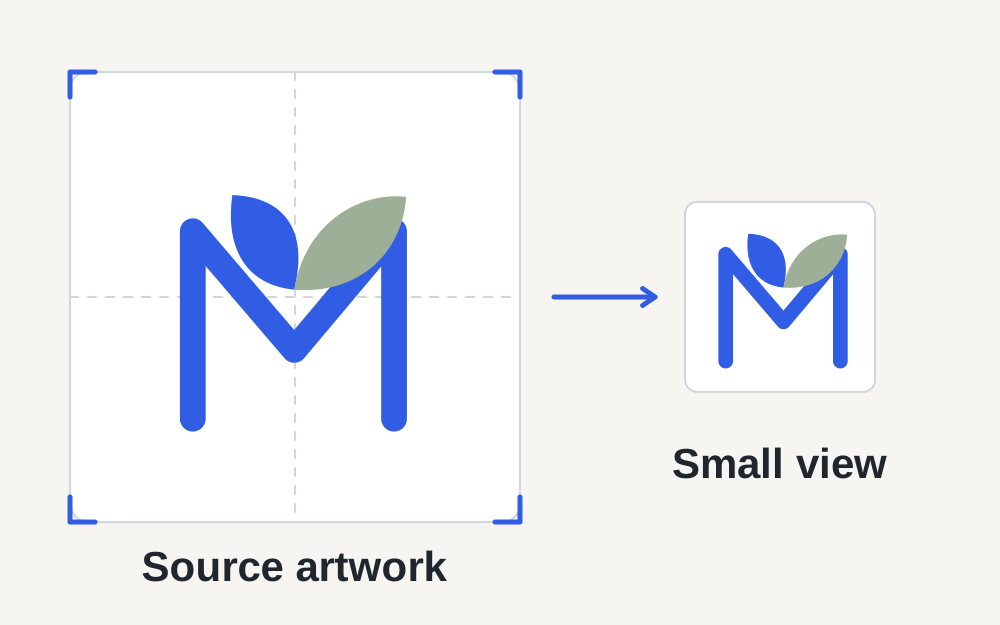
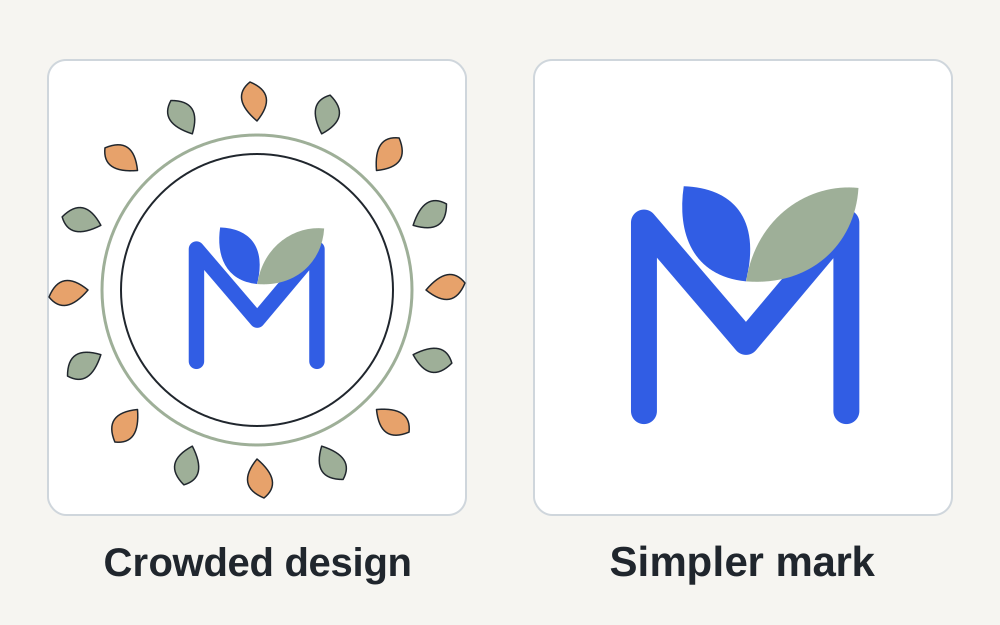
Zoom out until the logo is roughly the size it will occupy in the shop header, then read it without leaning towards the screen. If the full shop name becomes a grey line, increasing export quality will not necessarily help. The lettering may simply be too fine or crowded for that display size. A simpler mark or shorter arrangement may work more clearly.
Keep important details away from the outer edge. Display masks and surrounding interface elements can make an otherwise square export feel cramped. Do not add a huge empty border to solve this, because the actual mark will become smaller again. Compare a few deliberate layout versions at thumbnail size while keeping the original logo proportions intact.
When the file is correct but Etsy refuses it
Try selecting a freshly exported copy from a local folder. A cloud placeholder, partially downloaded file or export with a misleading extension can cause confusion. Check that the file opens normally before returning to the shop editor. A name ending in .png does not prove the bytes contain a readable PNG image.
Save other shop edits before changing browser sessions. If the upload still fails, note the exact message and try another up-to-date browser. Etsy's technical-help guidance also covers app updates and troublesome browser extensions. There is no need to repeatedly shrink an already small logo when every suitable file is being rejected by the same stalled editor.
After saving, check the shop itself
Wait for the save to finish, then open the shop view rather than judging only the upload preview. Compare the mark on a phone-width view and a desktop view. Check that the letters are readable, the background is intentional and the correct version appears. If an older image persists, a fresh page load can help distinguish a saved-change problem from a stale display.
A successful logo upload should not prompt you to change all the listing photographs. Those are separate images with different jobs and sizing advice. Keep a small export record containing the source filename, dimensions and format you used. That makes a later seasonal replacement straightforward and reduces the chance of overwriting the editable master with a compressed copy.
Use measurements to make support requests specific
If you need Etsy's help, describe the logo field, the file's measured dimensions and size, and the point where the upload stops. State whether the image opens locally and whether another suitable file works. This gives support a useful distinction between a design-file problem and an account or browser issue.
Make My Files Work can inspect supported images locally and prepare certain format conversions, but it cannot save changes to your Etsy shop. It also cannot judge whether a mark is legally yours, matches your brand or meets every marketplace policy. Keep the final decision with the shop preview and Etsy's current guidance, using our measurements to remove avoidable file-format uncertainty.
Questions that come up
Is 500 × 500 just a recommendation for an Etsy logo?
The general image article calls it a recommendation, while Etsy's About-section instructions explicitly require at least that size for the logo upload. Follow the specific editor's requirements. The separate pages are why advice that treats 500 × 500 as purely optional can be misleading.
Will converting JPG to PNG make my blurry logo sharp?
It preserves the image in a different format but cannot reconstruct detail already lost in a small or heavily compressed JPEG. Return to the editable design or a cleaner source export. Changing formats is useful for compatibility, not as a substitute for better artwork.