There is no single upload allowance for every Google Form
Google's respondent-help page says form owners can restrict the number, type and size of uploaded files. It also states that you need to sign in to a Google Account and cannot upload a file from a shared drive. These points were checked against the official guidance on 14 November 2026. Read the form itself for its particular allowance.
A limit quoted in an unrelated tutorial may describe one owner's settings rather than your form. If a college asks for one PDF, a JPEG photograph that works in another Google Form may still be rejected here. Copy the wording beside the question before using a checker, and ask the owner if the required information is missing or inconsistent.
Check the account before changing the document
If you have personal, school and work Google accounts signed in, confirm which one is being used for the form. Being able to open a link does not necessarily mean you are using the account the organisation expects. Look for the account identity shown in the form and compare it with the instructions you received.
If you see an access or sign-in message, resolve that first. Converting a PDF into an image will not grant permission. Avoid repeatedly submitting from different accounts without knowing which response the owner needs. If the form was sent through a school or employer, the person who provided the link can usually clarify the intended account and whether the form is open to you.
Read each upload question independently
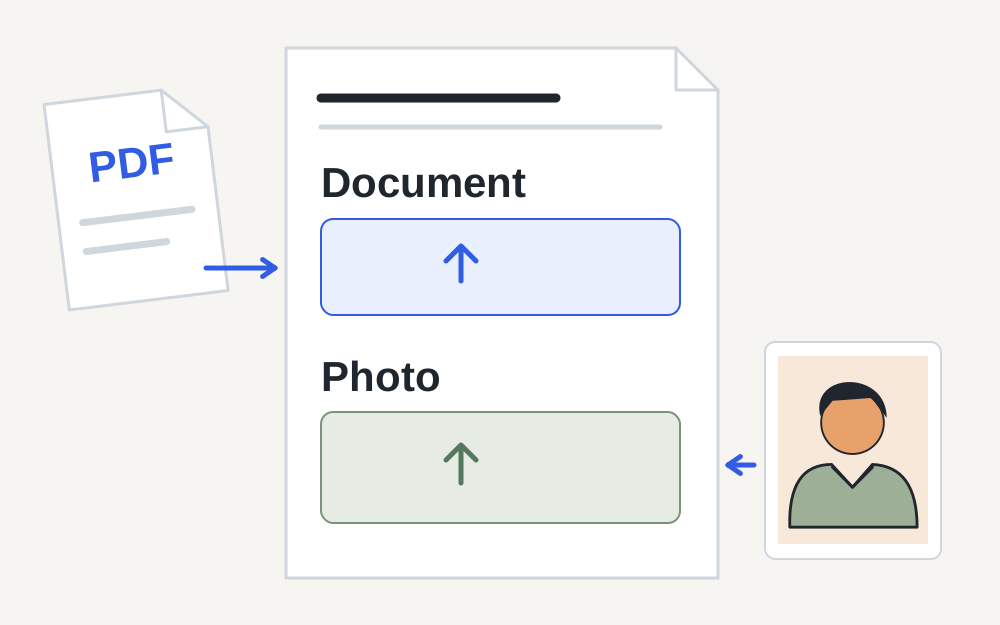
One form may have a field for a CV and another for a profile photograph. Their accepted formats and file counts can differ. Do not assume a successful photograph upload means the same file is suitable for a document field. Check whether the question asks for an individual file, several supporting pages or a particular document type.
Count the files you have selected and compare them with the stated allowance. If one combined PDF is requested, separate page images may not satisfy the field. If separate documents are requested, merging everything can make the evidence harder to use. Follow the requested organisation rather than choosing whatever shape is easiest for your files.
Make sure the file is actually available on your device
A cloud-storage icon can represent a file that is not yet fully downloaded. Open the document locally before trying to attach it. If it cannot be opened from the folder you selected, resolve that problem first. Moving between a phone and laptop can also leave similarly named copies with different contents, sizes or formats.
Google specifically documents a restriction on uploading files from a shared drive. If this affects your submission, ask the form owner or the document owner for an approved way to provide the material. Do not copy confidential organisational files elsewhere merely to get around a sharing restriction. The correct route depends on the organisation's access rules and the purpose of the form.
Inspect the actual file rather than its label
For a supported image or PDF, the local checker can measure size and inspect a recognised signature. A filename ending in .pdf is not enough to prove the data is a readable PDF. An image named .jpg may still contain a different format. Use a genuine export from the application that created the document when the format is wrong.
If the form supplies a maximum size, compare it with the selected copy's measured bytes. Leave a reasonable margin when the website's units are unclear. A screenshot of a file-properties window is not the document itself. If the question requests a certificate or statement, upload the required evidence in its accepted form rather than an image proving that a file exists.
Reduce size only when size is the problem
A large photograph may be prepared at smaller dimensions while retaining the detail needed for the question. Check that the result remains legible and correctly oriented. If the file is an official document, preserve the whole relevant page and avoid edits that change its meaning. Do not remove content simply because the result uploads more easily.
PDF reduction depends on the contents. Our PDF compressor performs lossless repacking and may not significantly reduce a scan. If the target cannot be reached, return to the original document or scanner for a suitable export. Ask the form owner about an approved alternative where the requested evidence cannot fit without becoming unreadable. That is preferable to submitting a damaged version.
Distinguish a failed attachment from an incomplete form
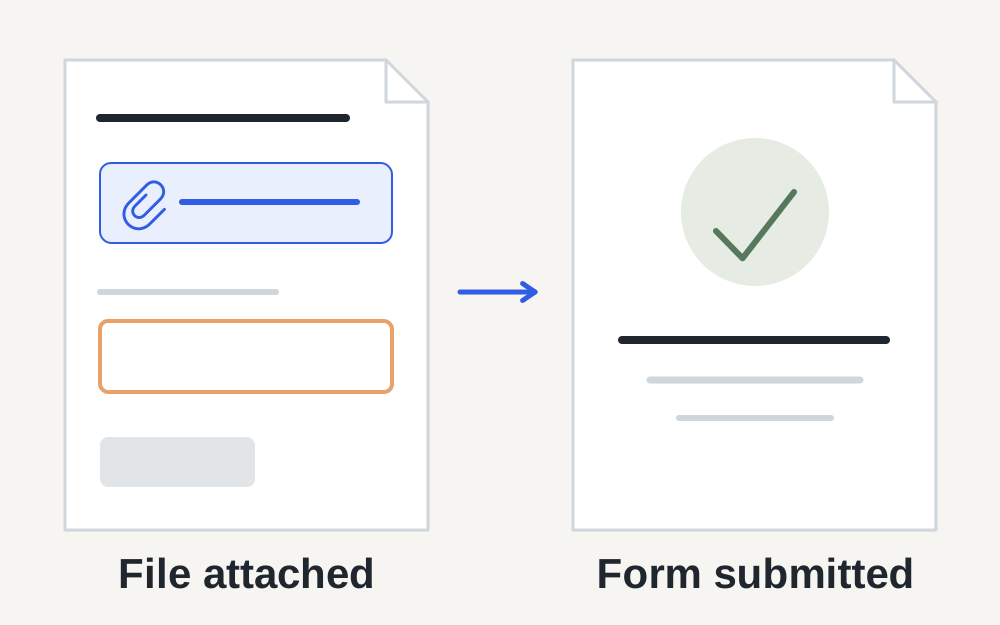
After a file appears attached, the form may still require answers elsewhere. Google explains that required questions or validation errors can prevent moving to the next section or submitting. Look for highlighted fields and messages. A completed upload does not mean the entire response has been accepted.
Read the final confirmation after submitting and keep whatever receipt the form provides. If you return to a previous section, check whether the form's question logic intentionally sent you there. Do not keep uploading the same attachment to solve a missing text answer or a date entered in the wrong format. Work from the specific field that is marked as incomplete.
Retry carefully if the transfer itself stalls
Save or record your answers before reloading, especially if the form warns that it cannot save a draft. Check that the connection is stable and allow an active transfer time to finish. If only one file fails, test a fresh valid export of that document. If every suitable file fails, a session or form-side issue becomes more plausible.
A different current browser can help isolate a browser-specific problem, but it does not change the owner's restrictions. Avoid disabling organisational security controls or using an unapproved account. If you can reproduce the problem, record the error, device, browser and approximate time. The owner can investigate their settings with far more useful evidence than a general report that uploading is broken.
Send the form owner a focused explanation
Tell the owner which question fails, which format and size you selected, and whether you can sign in successfully. If the form has closed, only the owner can decide whether to reopen it or accept evidence another way. A local conversion tool cannot extend a deadline, change file allowances or repair the owner's account.
Keep private document contents out of a support screenshot unless they are necessary and the recipient is authorised to see them. You can often show just the error and file properties. Make My Files Work's checks run on selected files in your browser and do not contact the form owner, submit responses or verify the material's suitability for their decision.
Questions that come up
Why does Google Forms reject a PDF that opens normally?
The question may restrict the format, size or number of files, or your account may not be the one required. A readable PDF can also be the wrong document for that field. Check the owner's instructions and the exact error before changing the document.
Does seeing the filename mean my response is submitted?
No. The file can be attached while required answers elsewhere remain incomplete. Finish the form and look for the final confirmation or receipt. If the submission fails, check highlighted fields rather than assuming you must upload the same file again.